Skip to content
Do you want to view this page in English?
View all languages:
  • English
    • English
    • Deutsch
    • Français
    • Español
    • Português
  • The Camtasia Suite

    • Camtasia EditorAdvanced screen recording and professional video editing
    • Camtasia SnagitAdvanced image capture and guide creation
    • Camtasia AudiateAI-powered avatar generation and text-based editing
    • Camtasia OnlineFree online screen recorder for collaborative video creation


    • Camtasia AssetsPremium library of motion graphics, music, and templates
    • Snagit AssetsProfessional stamps, templates, and visual aids
    • ScreencastCloud-based hosting, feedback, and collaborative video sharing

    Explore

    • CompareSee how Camtasia stacks up
    • IntegrationsWorks with the tools you love
    • ToolsSimple, online shortcuts

    Getting Started

    • Sign InView your account
    • Download Camtasia
    • Download Snagit
    • Download Audiate
  • Camtasia for Enterprise

    Built for deployment and company wide adoption

    Explore Enterprise

    Solutions

    • Screen RecordingRecord your screen online
    • Corporate TrainingTrain teams with video
    • Human ResourcesUpgrade your comms
    • EnterpriseScale your communication

    Explore Success Stories

    We've helped millions change the way they train

    Watch Case Studies
  • Editor Features

    • Multi-Track Screen RecordingCapture screen, camera, and audio as independent layers
    • Cursor EditingSmooth, resize, or completely reposition after recording
    • Video Background RemovalInstantly remove the background from your webcam video
    • View All Editor Features

    Snagit Features

    • AI Step CaptureAutomatically create guides as you click-through a process
    • Smart RedactInstantly identify and redact sensitive information
    • Scrolling CaptureGrab long, scrolling windows or webpages into a single image
    • View All Snagit Features

    Audiate Features

    • Text-Based EditingEdit a video just like a text document
    • AI Avatar GenerationCreate a realistic digital presenter to deliver narration
    • AI TranslationAutomatically translate and dub audio into other languages

    Release Notes

    • What's New in EditorSee what the Camtasia Editor team has been up to
    • What's New in SnagitCheck out the latest Camtasia Snagit features
  • TechSmith Webinars for Camtasia

    Join us for a webinar

    Learn one new thing, or how to get started with Camtasia

    Sign up

    Learn

    • TutorialsFollow along, step by step
    • BlogExplore best practices
    • WebinarsWatch live or recorded sessions
    • AcademyLearn new skills
    • CertificationBecome an expert

    Support

    • Help CenterFind answers fast
    • Trust CenterUnderstand our data policies
    • Sofware KeysFind your software keys
    • Email PreferencesUpdate email settings

    Company

    • TechSmithOur parent company
    • Contact UsTalk to our team
    • The Visual LoungeA TechSmith podcast
    • ResearchExplore the latest trends
  • Enterprise
  • Pricing
Cart
Sign In
Review Cart and Checkout
  • Enterprise
  • Pricing

The Camtasia Suite

  • Camtasia EditorAdvanced screen recording and professional video editing
  • Camtasia SnagitAdvanced image capture and guide creation
  • Camtasia AudiateAI-powered avatar generation and text-based editing
  • Camtasia OnlineFree online screen recorder for collaborative video creation
  • Camtasia AssetsPremium library of motion graphics, music, and templates
  • Snagit AssetsProfessional stamps, templates, and visual aids
  • ScreencastCloud-based hosting, feedback, and collaborative video sharing

Explore

  • CompareSee how Camtasia stacks up
  • IntegrationsWorks with the tools you love
  • ToolsSimple, online shortcuts

Getting Started

  • Sign InView your account
  • Download Camtasia
  • Download Snagit
  • Download Audiate

Camtasia for Enterprise

Built for deployment and company wide adoption

Explore Enterprise

Solutions

  • Screen RecordingRecord your screen online
  • Corporate TrainingTrain teams with video
  • Human ResourcesUpgrade your comms
  • EnterpriseScale your communication

Explore Success Stories

We've helped millions change the way they train

Watch Case Studies

Editor Features

  • Multi-Track Screen RecordingCapture screen, camera, and audio as independent layers
  • Cursor EditingSmooth, resize, or completely reposition after recording
  • Video Background RemovalInstantly remove the background from your webcam video
  • View All Editor Features

Snagit Features

  • AI Step CaptureAutomatically create guides as you click-through a process
  • Smart RedactInstantly identify and redact sensitive information
  • Scrolling CaptureGrab long, scrolling windows or webpages into a single image
  • View All Snagit Features

Audiate Features

  • Text-Based EditingEdit a video just like a text document
  • AI Avatar GenerationCreate a realistic digital presenter to deliver narration
  • AI TranslationAutomatically translate and dub audio into other languages

Release Notes

  • What's New in EditorSee what the Camtasia Editor team has been up to
  • What's New in SnagitCheck out the latest Camtasia Snagit features
TechSmith Webinars for Camtasia

Join us for a webinar

Learn one new thing, or how to get started with Camtasia

Sign up

Learn

  • TutorialsFollow along, step by step
  • BlogExplore best practices
  • WebinarsWatch live or recorded sessions
  • AcademyLearn new skills
  • CertificationBecome an expert

Support

  • Help CenterFind answers fast
  • Trust CenterUnderstand our data policies
  • Sofware KeysFind your software keys
  • Email PreferencesUpdate email settings

Company

  • TechSmithOur parent company
  • Contact UsTalk to our team
  • The Visual LoungeA TechSmith podcast
  • ResearchExplore the latest trends
Cart
Sign In
  • Tutorials

  • Webinars

  • Blog

  • Tech Support

  • Free Trial

  • Buy Now

  • Free Trial

  • Buy Now

All Tutorials

Audio Effects

Learn how to apply or create custom audio effects to improve your audio voice-overs.

Audio Effects
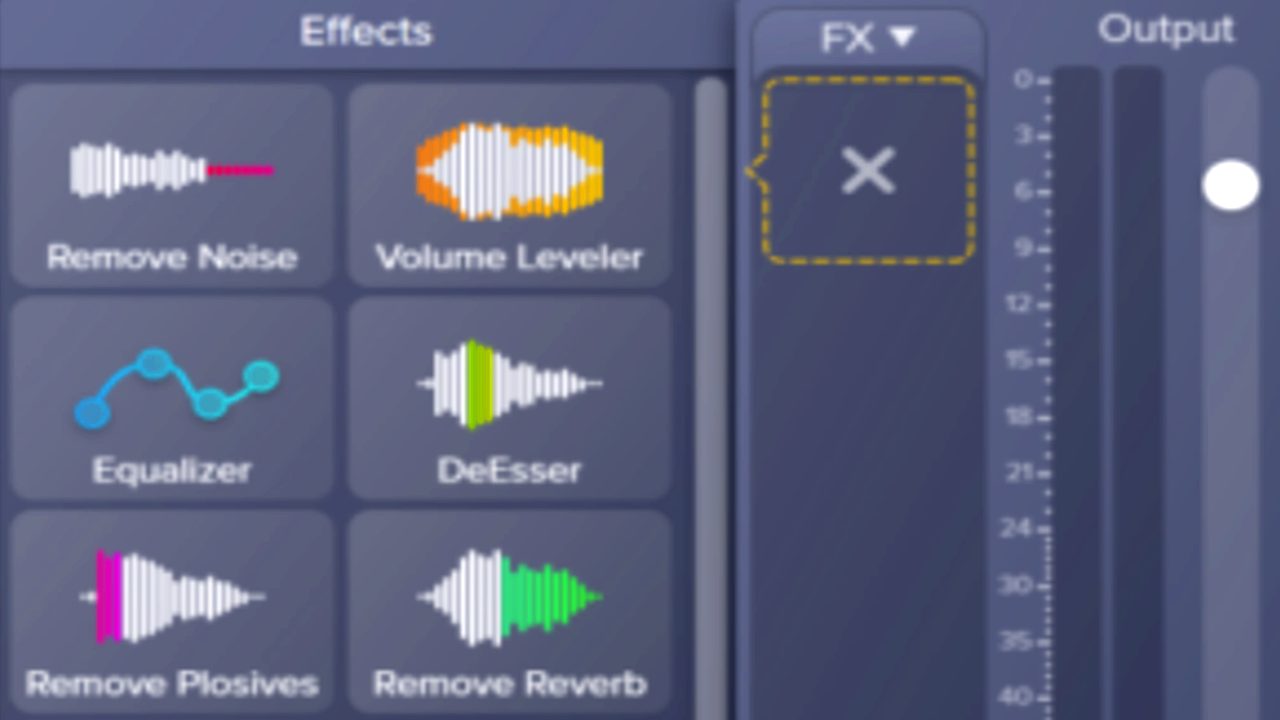
Improve Audio with Effects

Read

Improve Audio with Effects

Remove Noise Audio Effect

1 min.

Remove Noise Audio Effect

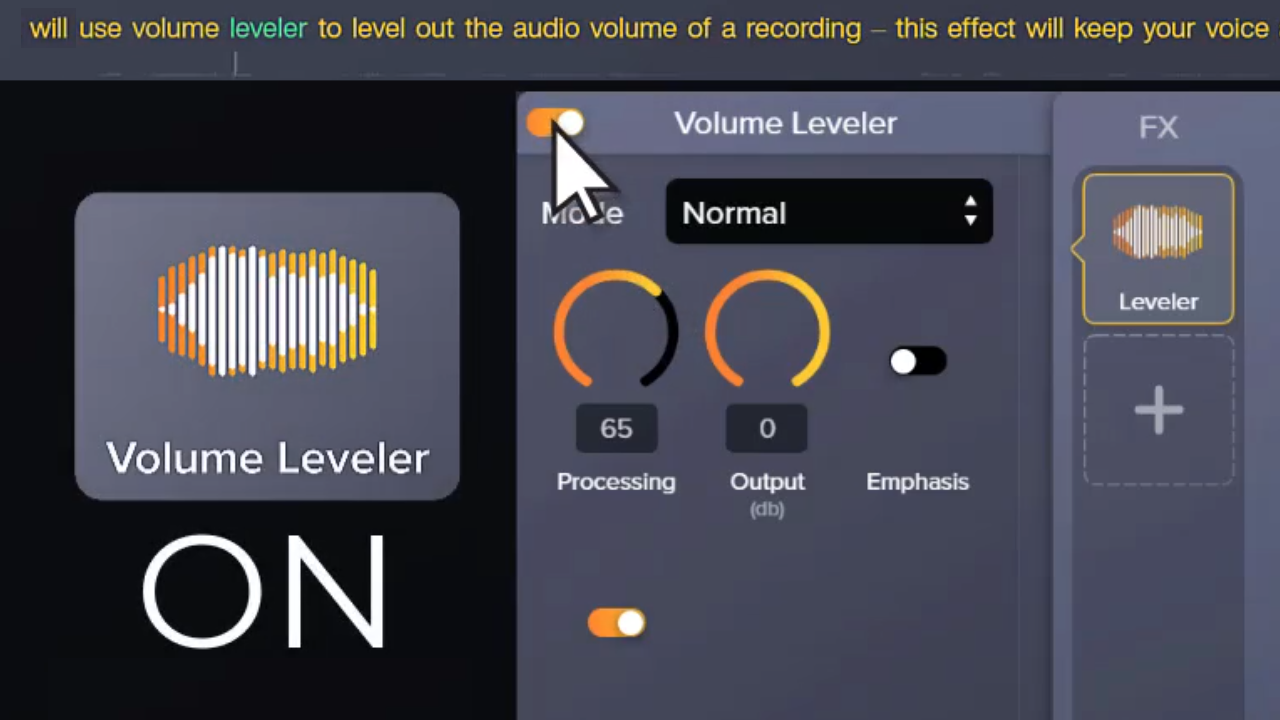
Volume Leveler Audio Effect

1 min.

Volume Leveler Audio Effect

Equalizer Audio Effect

1 min.

Equalizer Audio Effect

Remove Reverb Audio Effect

1 min.

Remove Reverb Audio Effect

Remove Plosives Audio Effect

1 min.

Remove Plosives Audio Effect

DeClipper Audio Effect

1 min.

DeClipper Audio Effect

DeEsser Audio Effect

1 min.

DeEsser Audio Effect

More Tutorials
Connect with us!
  • Follow TechSmith on Facebook Follow TechSmith on Facebook
  • Stay current on TechSmith news on LinkedIn Follow TechSmith on LinkedIn
  • Follow TechSmith on YouTube Follow TechSmith on YouTube

© 2026 TechSmith Corporation, All Rights Reserved.

Camtasia products
  • Camtasia Editor
  • Camtasia Snagit
  • Camtasia Audiate
  • Screencast
  • Camtasia Assets
  • Snagit Assets
  • Camtasia Online
  • Jing
Solutions
  • Screen Recorder
  • Corporate Training
  • Human Resources
  • Software Marketing
  • Team Communication
  • Educational Videos
  • Enterprise
Use Cases
  • Customer Education
  • Edit a Meeting Recording
  • How-to Videos
  • Knowledge Capture
  • Technology Training
  • Content Creation
  • Feedback
Learning and Support
  • Tutorials
  • Webinars
  • Blog
  • Research
  • Academy
  • Customer Stories
  • Help Center
  • Trust Center
  • Software Keys
  • Email Preferences
Resources
  • About TechSmith
  • Contact Us
  • Pricing
  • The Press Room
  • Partners
  • Careers
  • Enterprise Resources
  • Find a Reseller
  • Online Store FAQ
  • Payment Options
  • Return Policy
  • Privacy Policy
  • Accessibility
  • Contact
  • English
  • Deutsch
  • Français
  • Español
  • Português