


Snagit for Feedback
Provide effective feedback
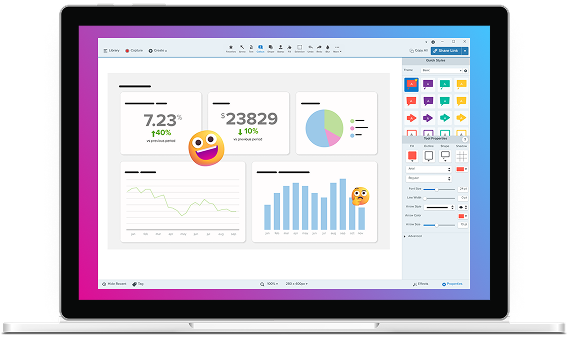
With Snagit, you can annotate screenshots, record your screen, and share clear actionable feedback.
Screen recording software trusted by 100% of Fortune 500 companies.




Built for better feedback
Smarter tools for faster feedback
From AI-powered edits to smarter capture, Snagit’s feature set helps you streamline your feedback process.
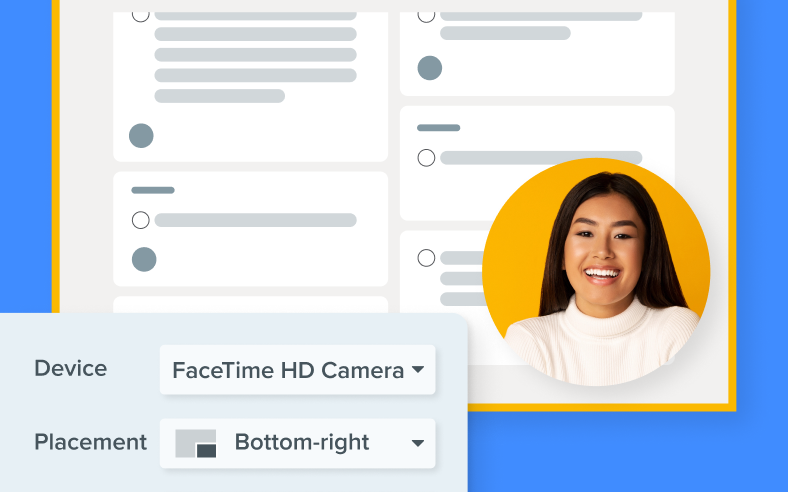
Record picture-in-picture video
Integrate your webcam video into screen recordings for a more personal and engaging viewer experience.
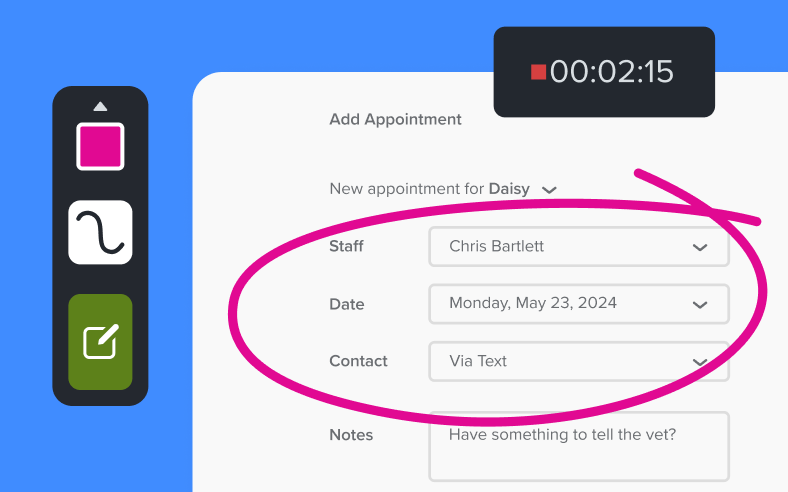
Draw on your screen while recording
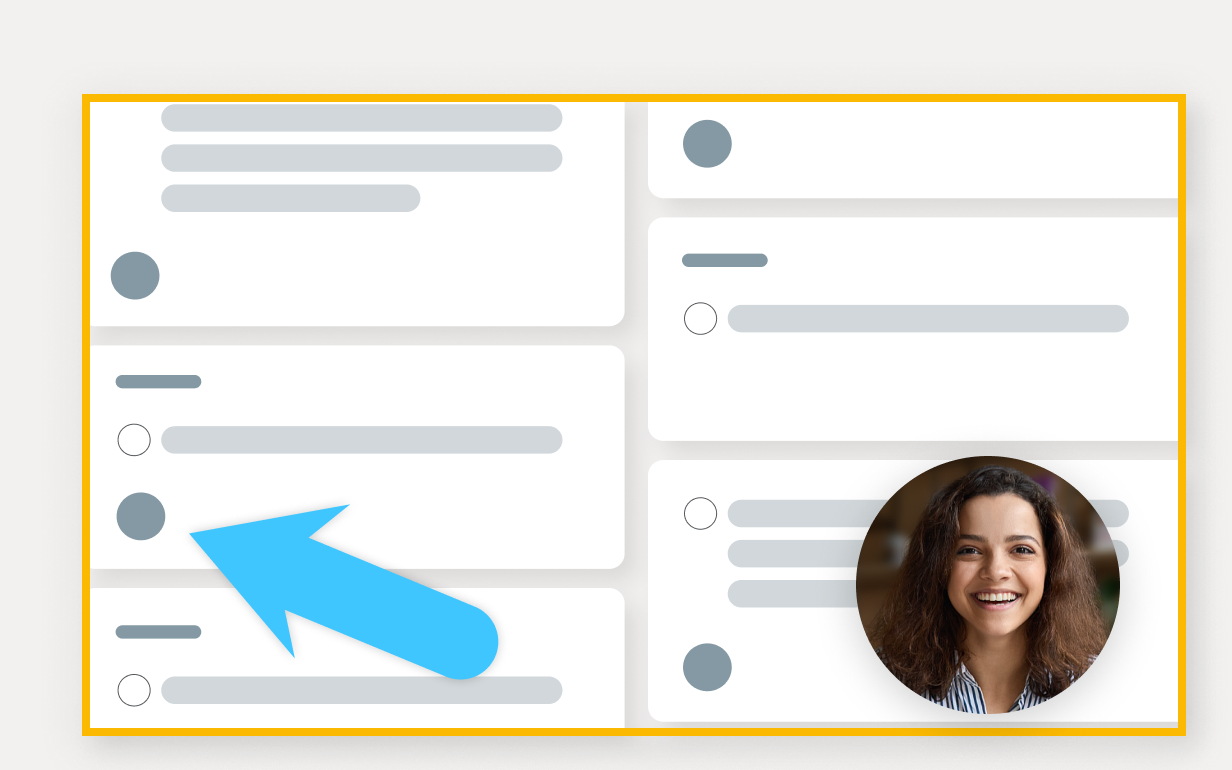
Add arrows, shapes, and step numbers directly on the screen while recording.
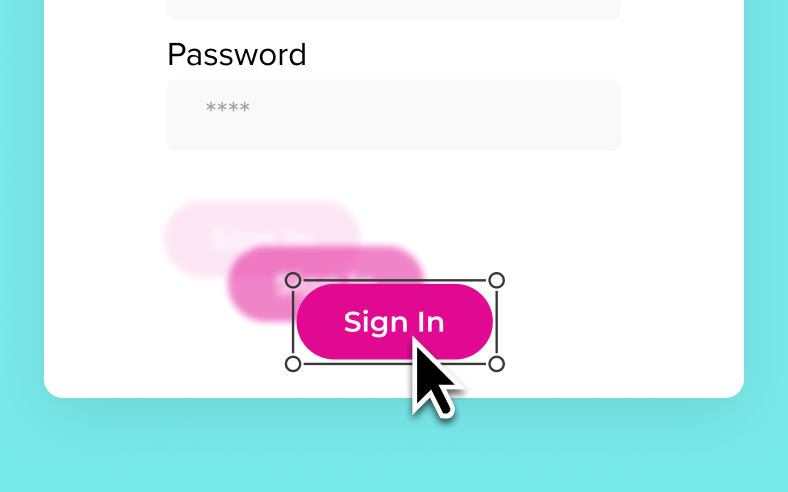
Smart move
Snagit automatically detects UI elements in a screenshot, so you can move them around.

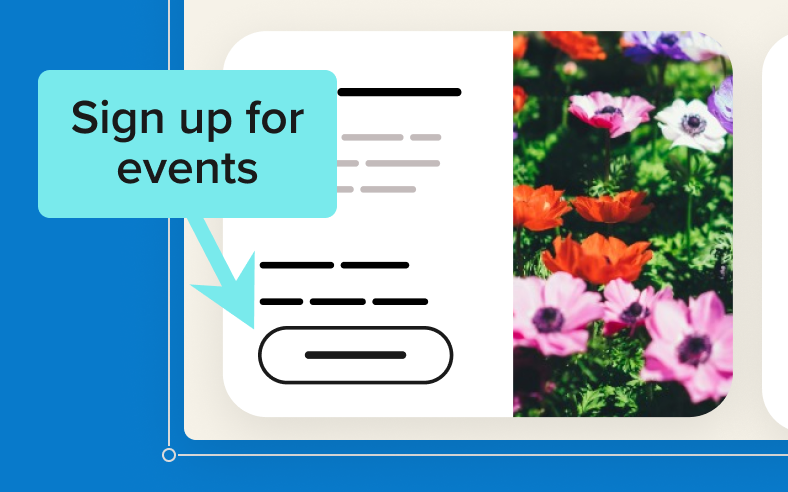
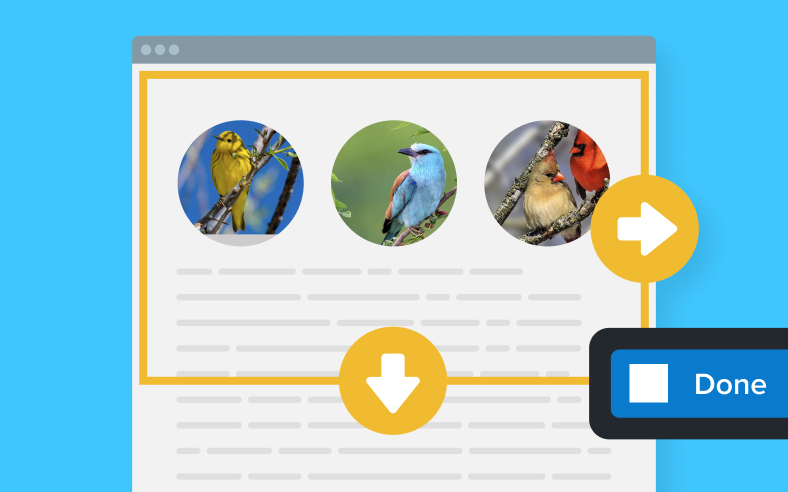
Scrolling capture
Capture content that extends beyond the screen, like full web pages, data sets with lots of columns, and more.
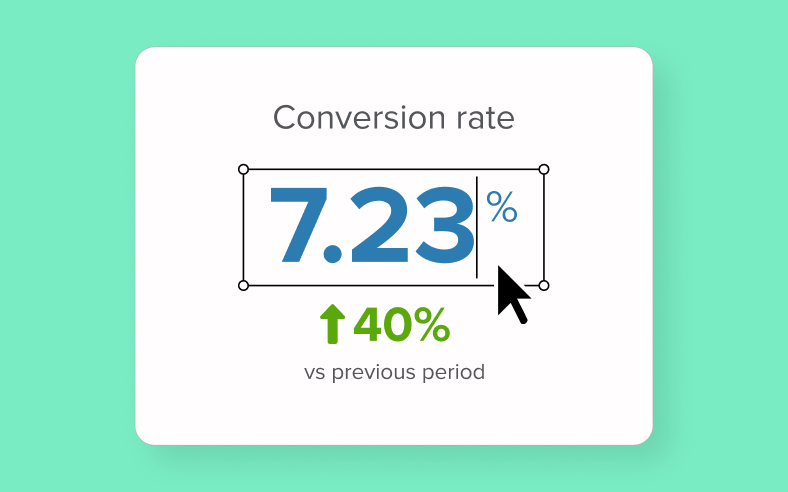
Text recognition
Edit, copy, or delete text within screenshots.

Library
Effortlessly organize and retrieve all your screenshots and recordings in one central library.
Here’s how Snagit helps you give better feedback
When your team’s feedback is clear, concise, and visual, everything just moves faster.
Cut through the noise
Show exactly what you mean with clear visuals. No more back-and-forth messages trying to clarify information.

Save time (and cancel meetings)
Capture a process or bug in seconds so you can skip the 30-minute meeting.

Make feedback actionable
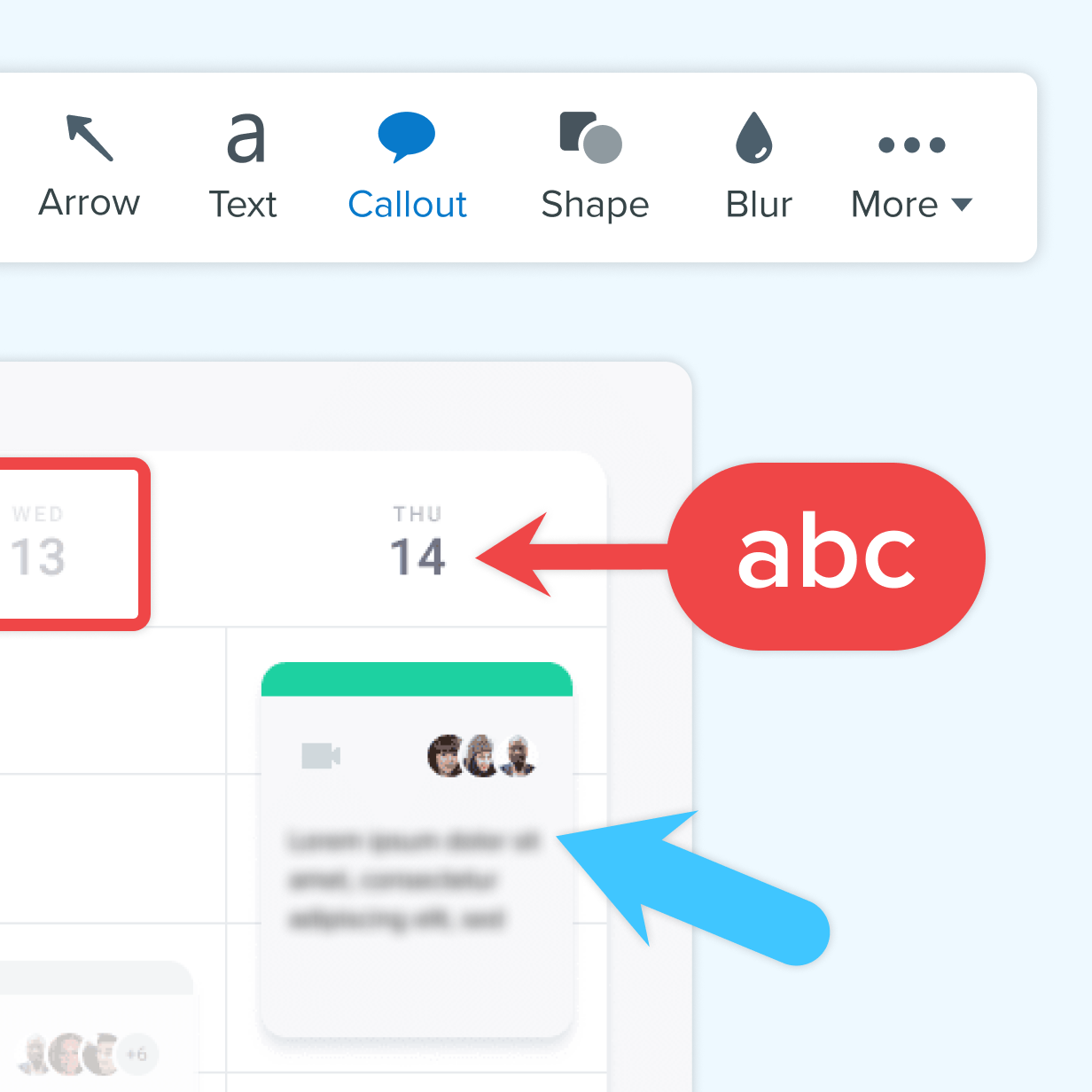
Add arrows, text, and highlights so your team knows what to fix (and how.)
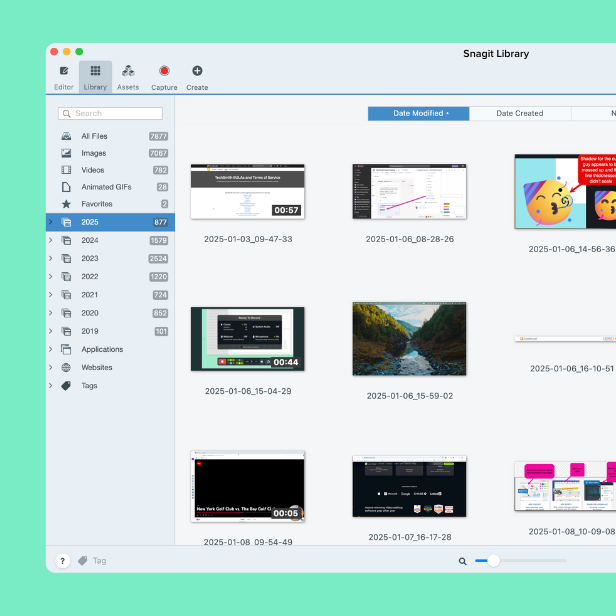
Create a visual history
Snagit keeps your captures magically organized. No more clutter desktop or digging through Slack threads.
Built for teams and trusted by IT
Whether you’re rolling it out to five users or five hundred, Snagit scales with your team.

Easy to deploy and manage
Snagit supports enterprise licensing, silent installs, and easy provisioning across departments.

Consistent, on-brand content
Themes, templates, and asset libraries make it easy to maintain professional and polished visuals.

Keep info secure
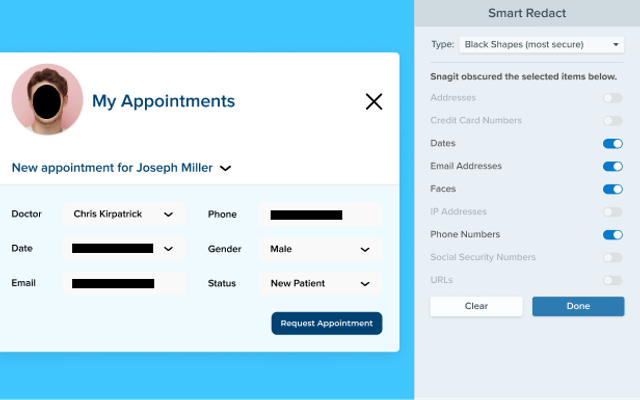
With features like smart redact and customizable sharing options, teams can confidently give feedback while protecting sensitive information.
Voted the best by our happy customers, over and over again.



Hit the ground running
Learn how to make the most of Snagit with helpful resources and step-by-step tutorials.
Tutorial
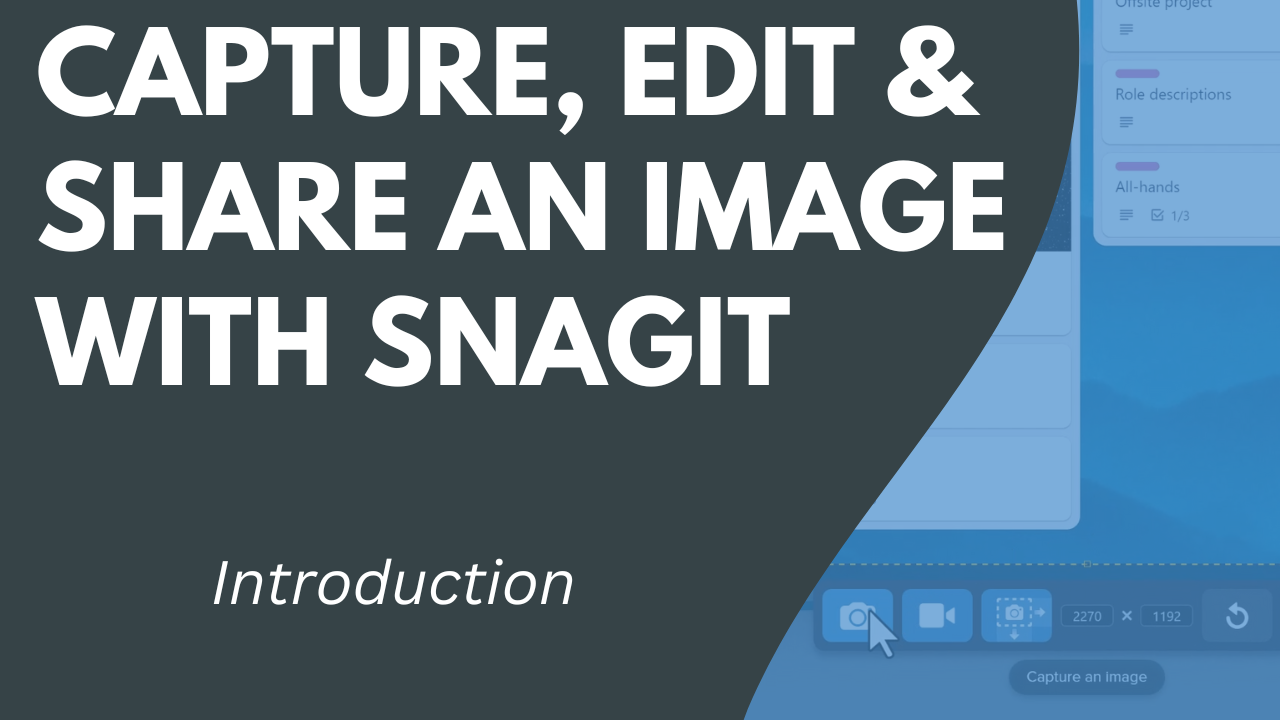
Capture, Edit, and Share an Image with Snagit
Blog
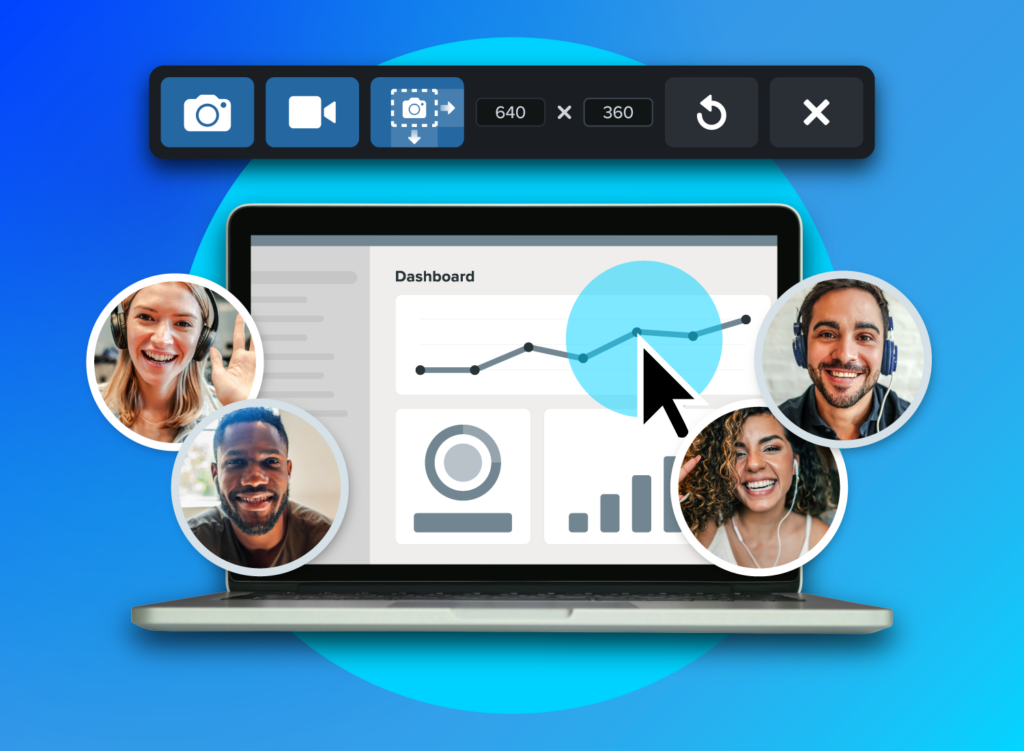
What are the Benefits of Screen Capture for Collaboration

Guide
5 Time-Wasting Meetings and How to Get Them Off Your Calendar
Webinar
How I Use Snagit + Screencast Every Day