





Remove Plosives Audio Effect
Learn how to apply the Remove Plosives audio effect to remove pops and breath sounds from powerful “P” pronunciations.

Learn how to apply the Remove Plosives audio effect to remove pops and breath sounds from powerful “P” pronunciations.



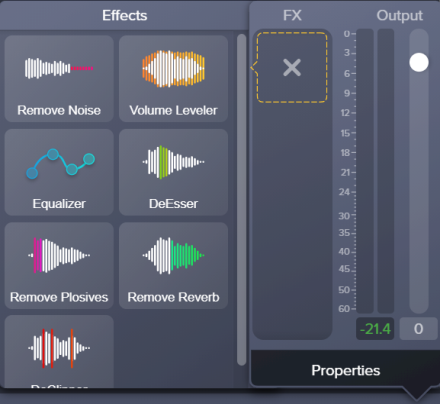
Tip: Remove Noise first
The Remove Noise effect helps improve the audio quality for most recordings. For the best result, apply Remove Noise to most recordings before applying other effects.


Note: To disable an applied effect and keep its properties settings, click the on/off toggle in the properties panel for the effect.
