









Camtasia FOR HOW-TO VIDEOS
Camtasia makes how-to videos fast, clear, and easy
From screen capture to polished final product and sharing, Camtasia lets you move from idea to shared, professional how-to video in minutes. Show any process with a mix of images and screen recordings, add your webcam message, and deliver clearer training that moves work forward.
SCREEN RECORDING SOFTWARE TRUSTED BY 100% OF FORTUNE 500 COMPANIES





Built for better how-to videos
Everything you need to record, edit, and share.
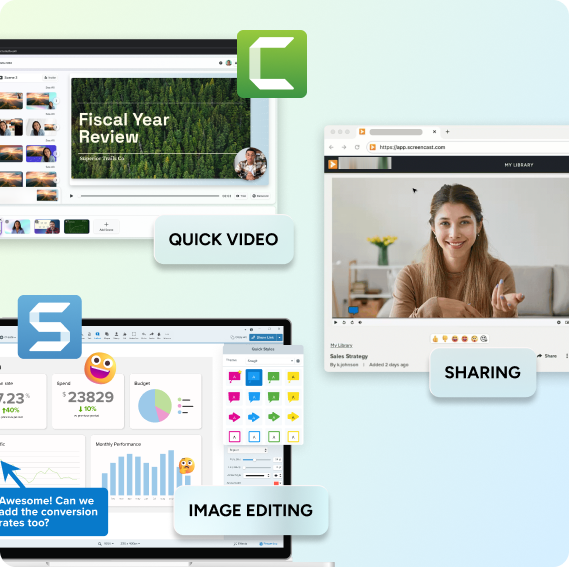
- Camtasia Snagit let’s you capture any part of your screen, redact sensitive personal information, add basic annotations, and import clips seamlessly into Camtasia.
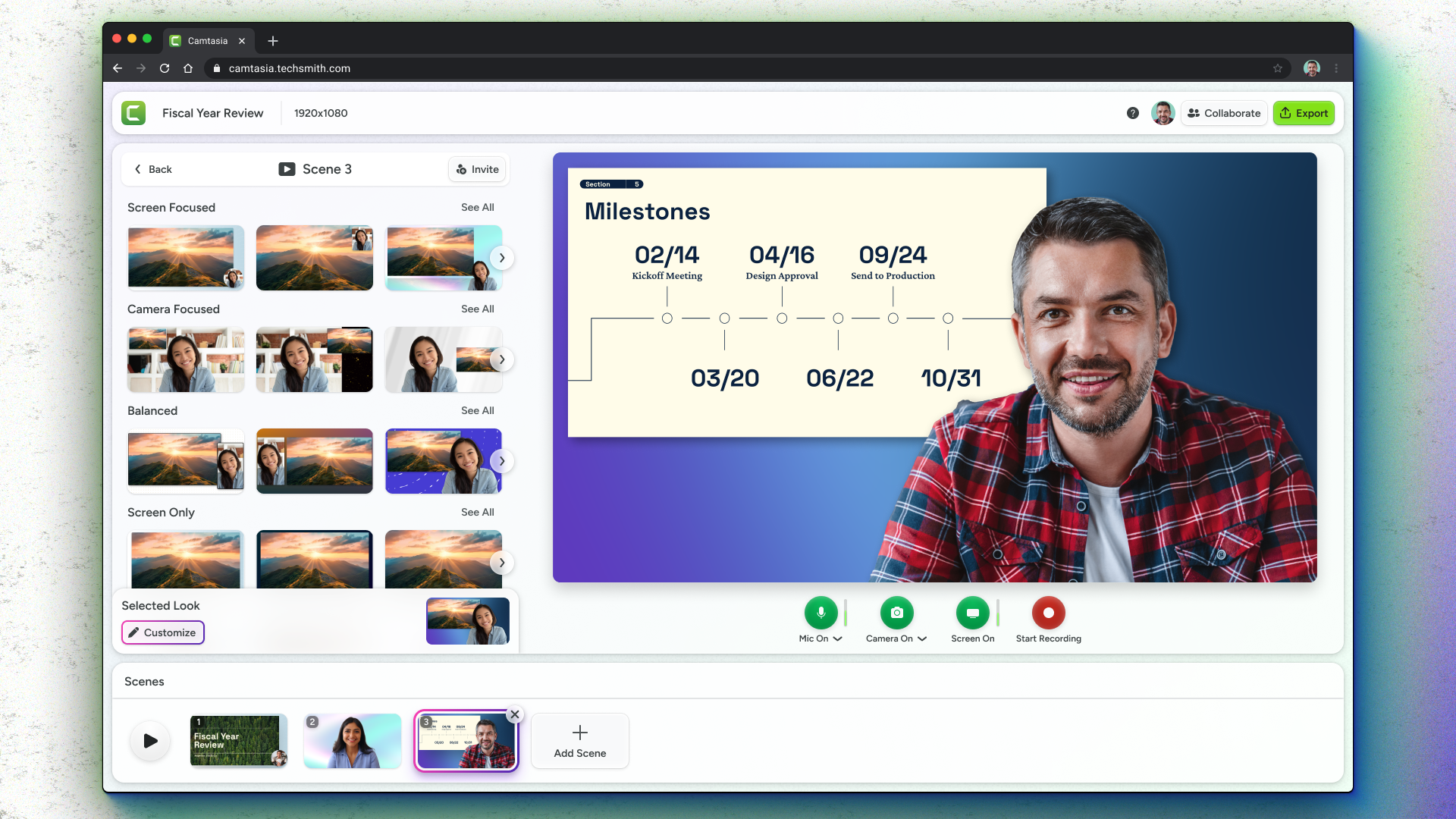
- Camtasia Online allows you to quickly record your screen and camera, trim and rearrange clips, and apply customizable templates for a polished, professional how-to video.
- Quick link sharing helps you share your final video with a link that allows viewers to leave time-stamped feedback.
Turn explanations into clear, step-by-step videos
Repeating yourself in meetings, emails, or Slack? Editor makes it easy to capture one clear walkthrough that explains everything.
Record your screen, camera, and audio
Recording your screen is easier than writing a doc. Just hit record and walk through the process.
Video and visuals, fully connected
Use Snagit to easily capture your screen and add notes or redact private info. Then, put your images together with videos and voiceovers in Camtasia Online to make clear how-to videos.

Focus where it counts
Explore the hundreds of Al-powered templates that effortlessly help you spotlight what matters most. Focus your viewers on your screen content, your voice, or both with just a click.
Share anywhere with free video hosting
Easily download and save your video as an MP4 or grab a quick cloud link. Share it instantly anywhere – Slack, Teams, email, or any messaging app.
Get the most from Snagit and Camtasia Online
From quick tutorials, to informative blogs, to in-depth guides, we’ve got resources to help you and your team get the most out of the industry’s leading screen capture and video solution.

Tutorial
Image to Video Maker with Camtasia Online

tutorial
Export & Share Videos from Camtasia Online
webinar
Unlock the Power of Video: A Smarter Way to Collaborate
Camtasia online
Collaborative video creation
Better how-to videos start today.
Camtasia Online Only
Access to Camtasia online for short screen recordings in your browser and sharing with your team.
Free
Camtasia Starter
Access to Camtasia online and Camtasia Snagit for creating longer videos and advanced screen capture and editing.
Loading…
/ year
Billed yearly