


Remove Noise Audio Effect
Learn how to apply the Remove Noise audio effect to remove background noise, such as a fan or street ambiance, to produce a cleaner, clearer voice recording.

Learn how to apply the Remove Noise audio effect to remove background noise, such as a fan or street ambiance, to produce a cleaner, clearer voice recording.



Tip: Remove Noise first
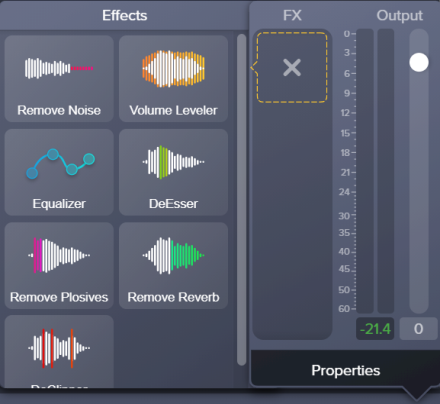
The Remove Noise effect helps improve the audio quality for most recordings. For the best result, apply Remove Noise to most recordings before applying other effects.


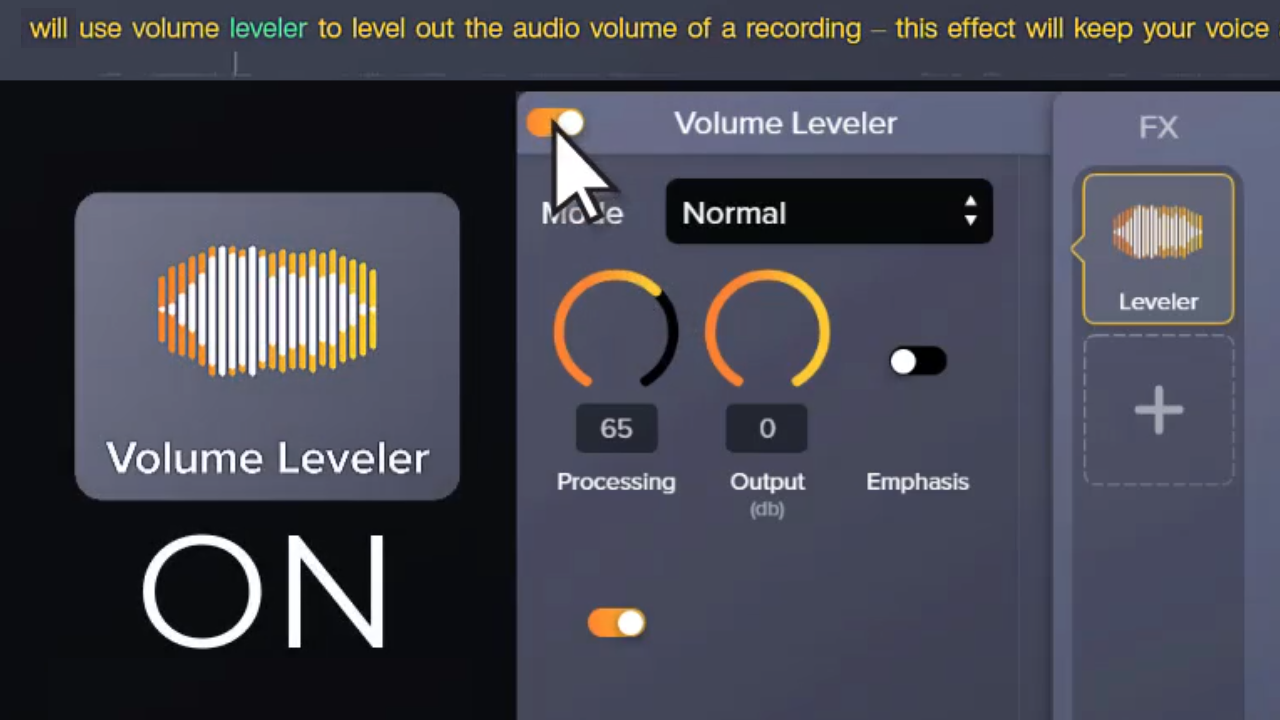
Note: To disable an applied effect and keep its properties settings, click the on/off toggle in the properties panel for the effect.