


AI powered video creation


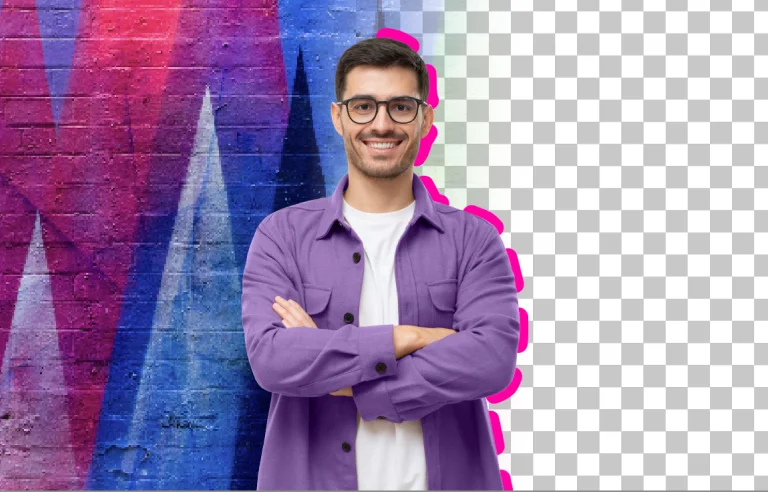
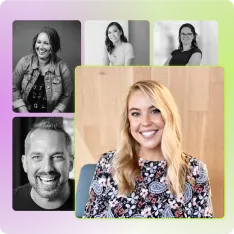
AI-assisted video background removal. Easier and better than green screen. Replace your background with an image or one of Camtasia’s dynamic backgrounds.
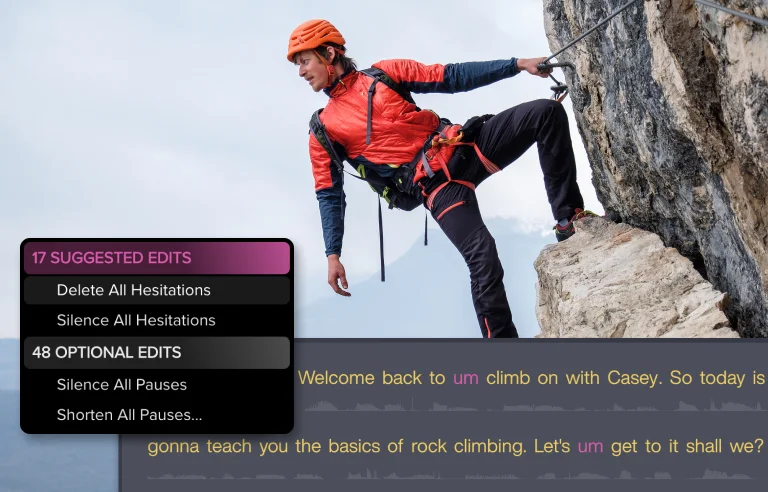
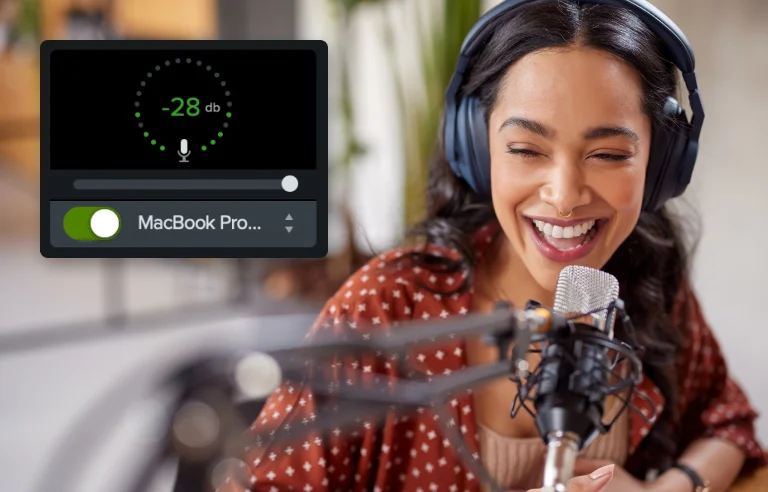
Automatically detect and remove filler word and hesitations.

Recording
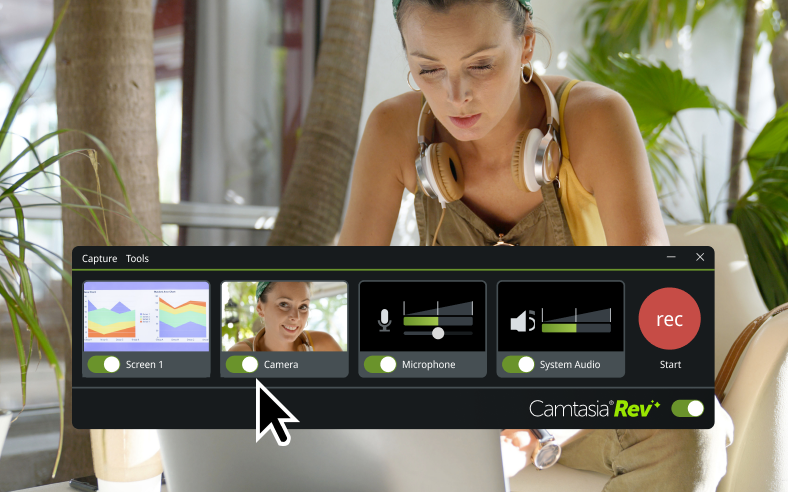
Screen recording
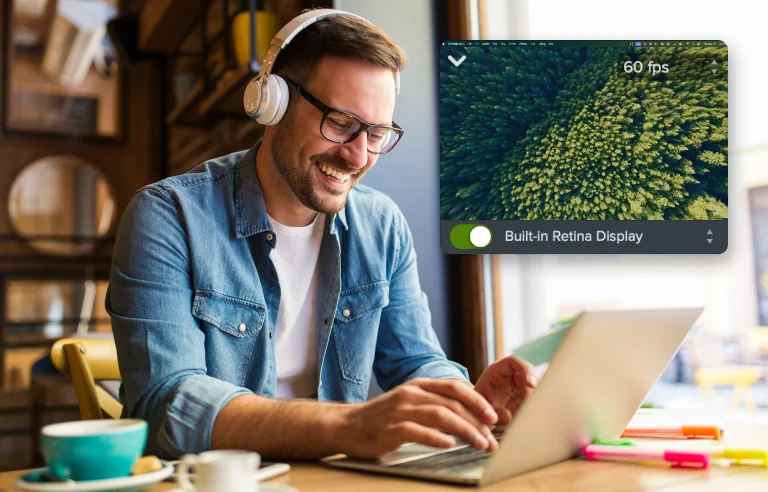
Record part or all of your computer screen, up to 4K at 60 frames per second.
Camera recording
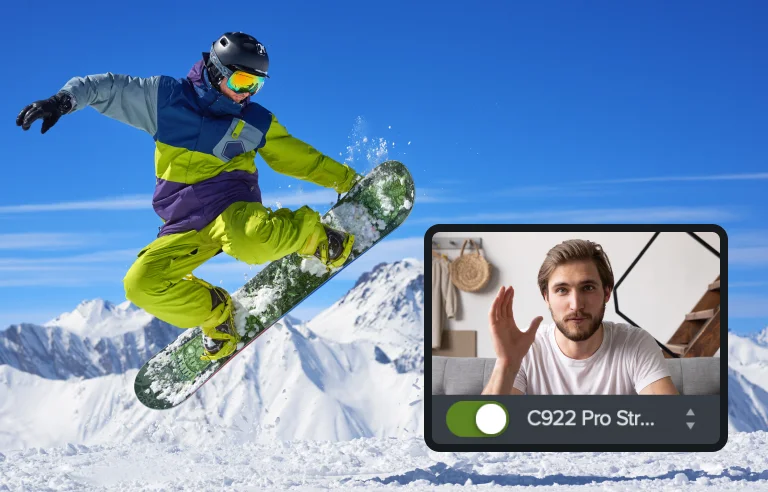
Record your built-in or external camera. Place and enhance that footage anywhere in your video.
Mouse paths, clicks, and keystrokes
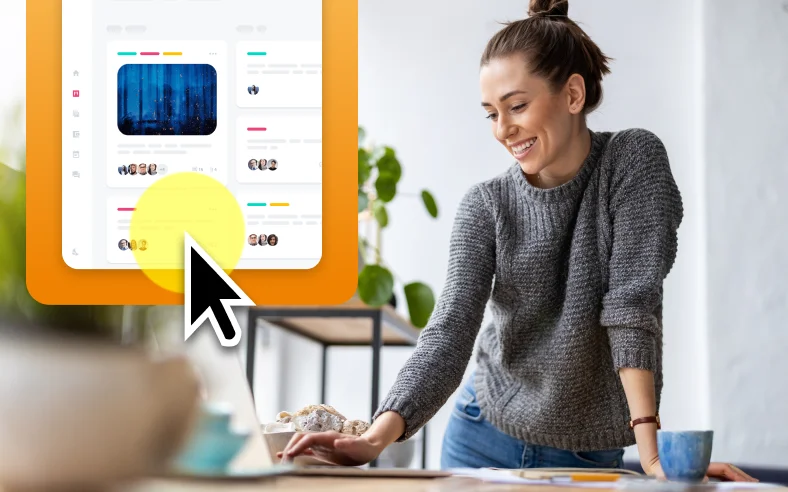
Record mouse movement, cursor clicks, and keystrokes for easy editing.
AI script writing
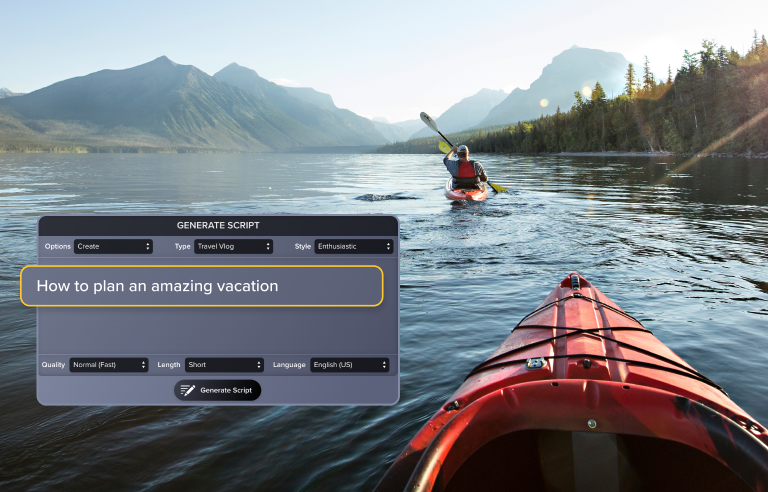
Let Audiate generate your script. Choose from various tones and lengths.
AI avatars
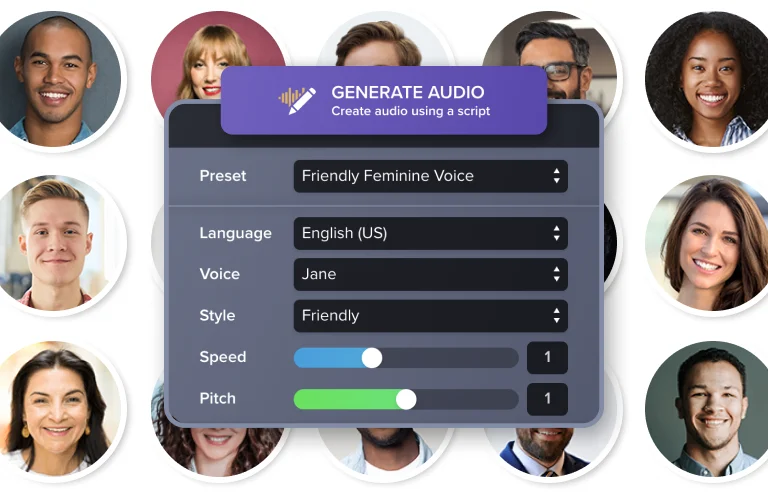
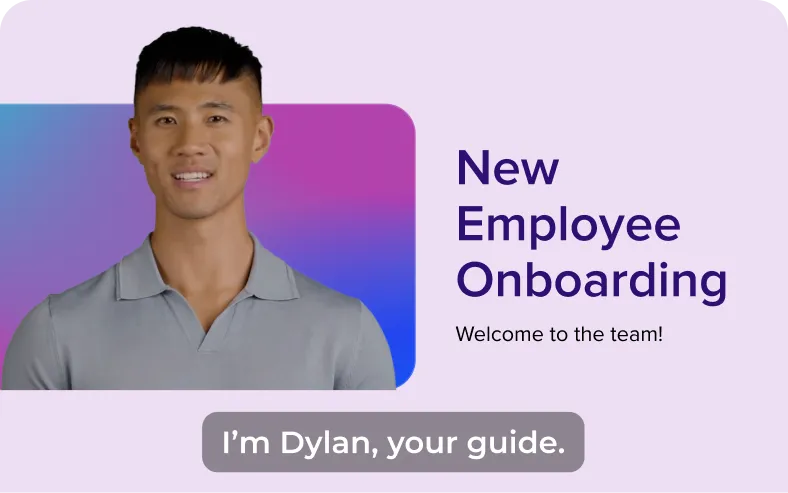
Incredibly lifelike AI-generated avatars for your video. Never get in front of a camera again.
Video editing
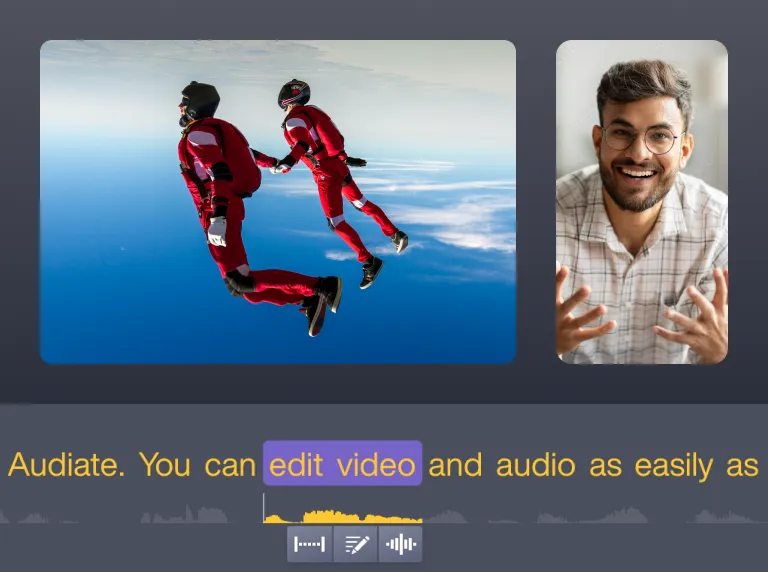
AI text-based video editing
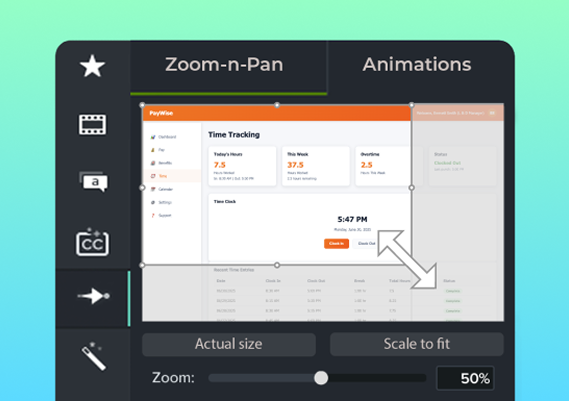
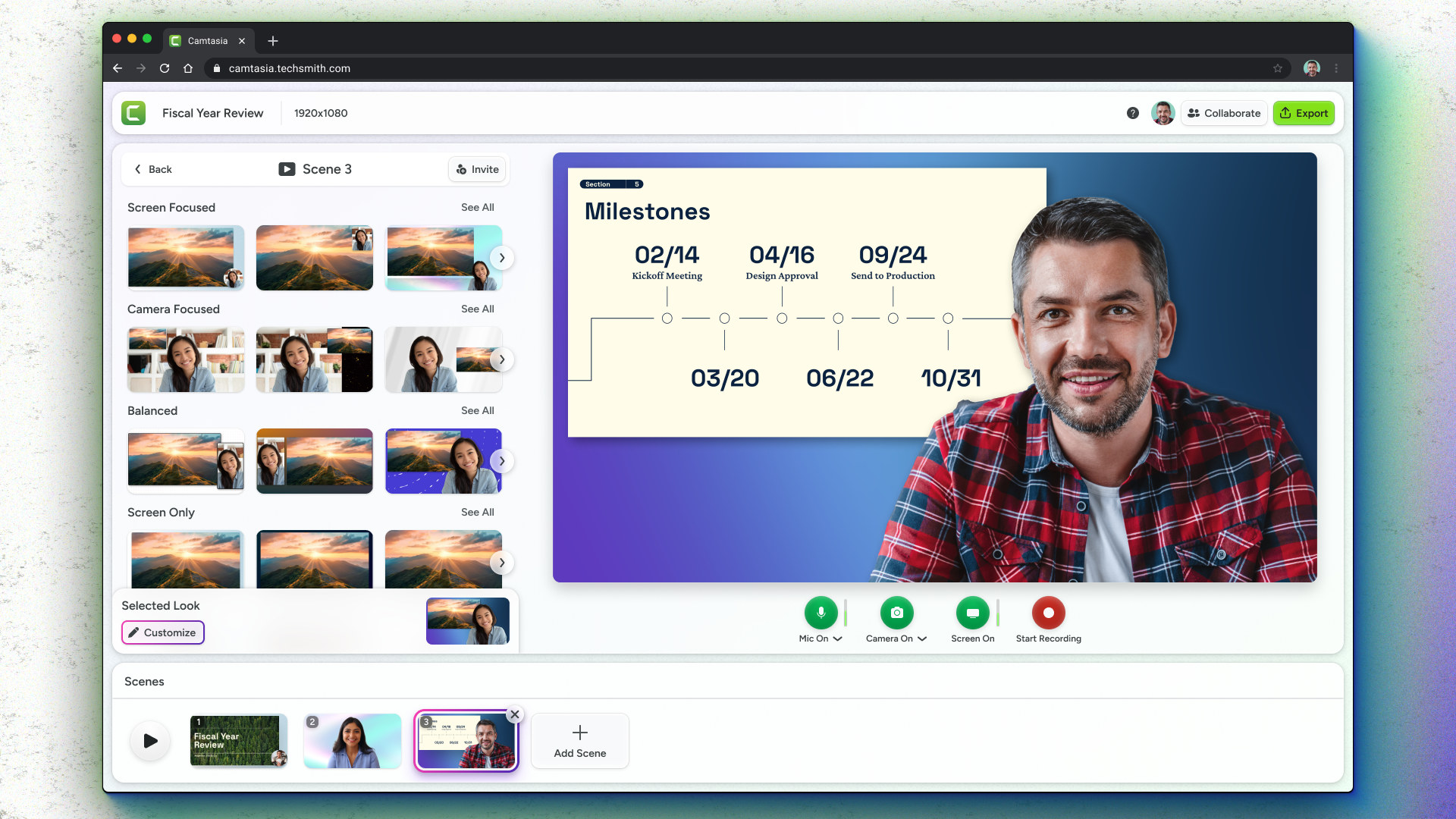
Collaborative video creation
Background removal
AI-assisted video background removal. Easier and better than green screen. Replace your background with an image or one of Camtasia’s dynamic backgrounds.
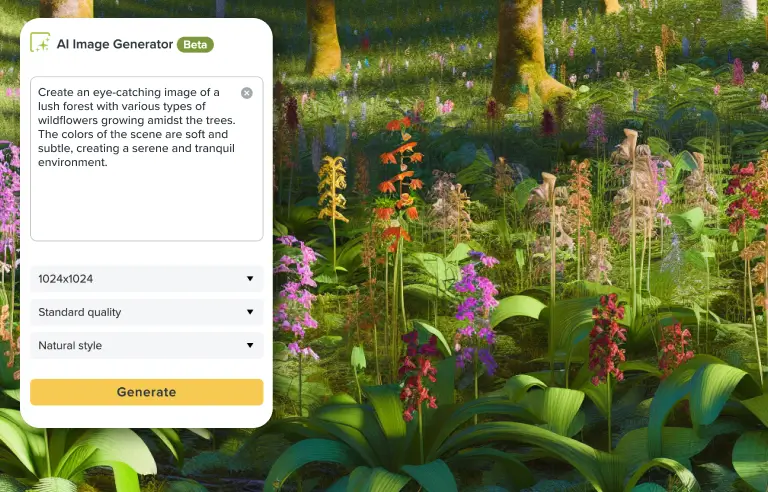
AI image creator
Describe the image and art style you want to generate incredible images in just a few clicks.

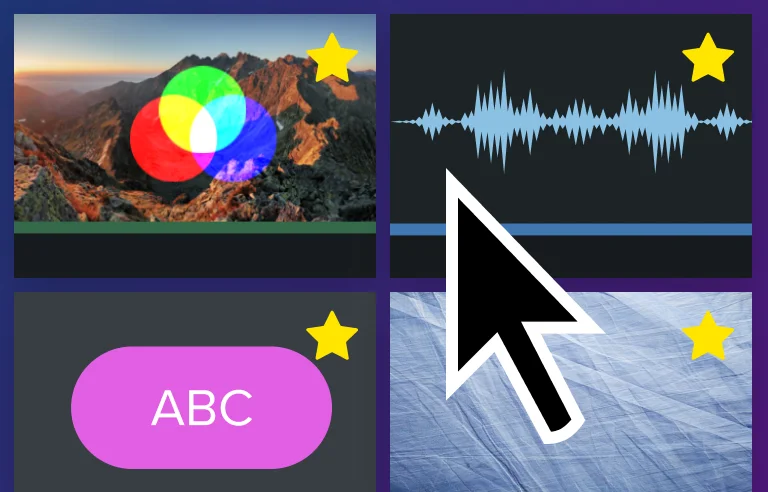
Customizable workflows
Speed up your video editing with shortcuts, presets, favorites, and more.
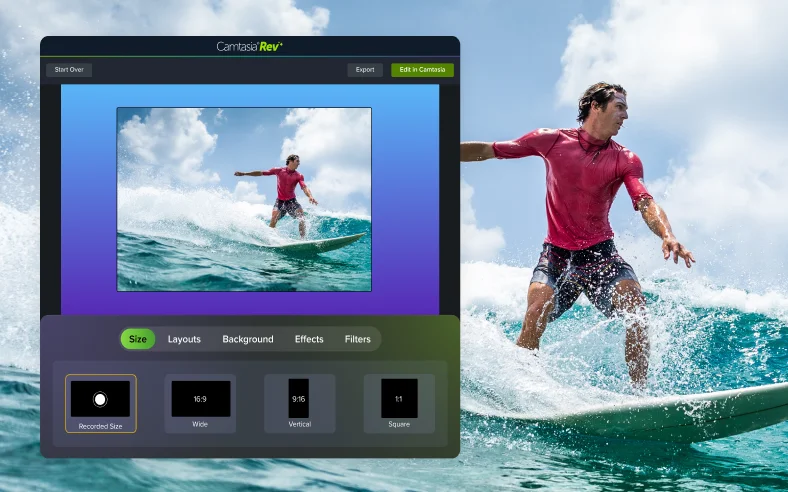
Quick layouts with Rev
Use the Rev workflow for quick sizing, layout, background, effect, and filter choices to accelerate your video creation.
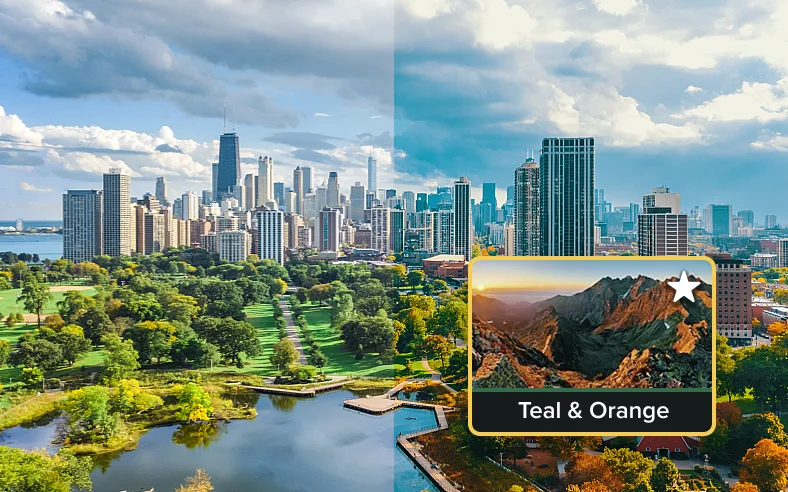
Filters
Give tone and feeling to any of your video clips or still images with more than 30 drag-and-drop filters.
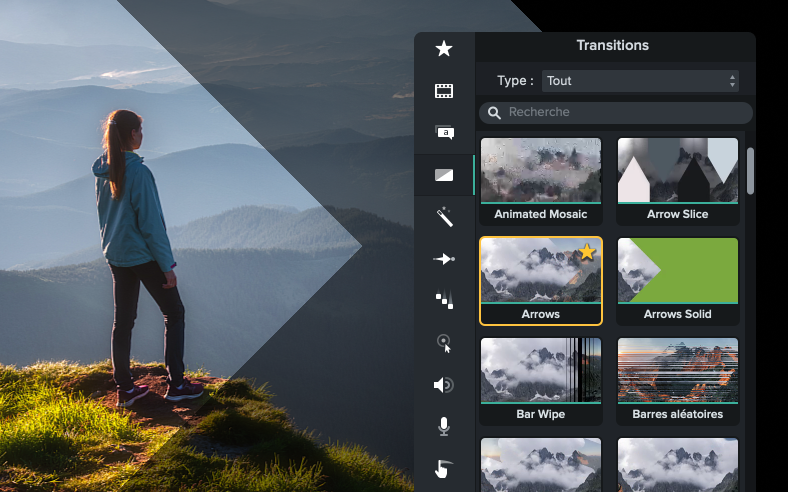
Transitions
Creatively move your video from scene to scene with more than 150 transitions exclusive to Camtasia.
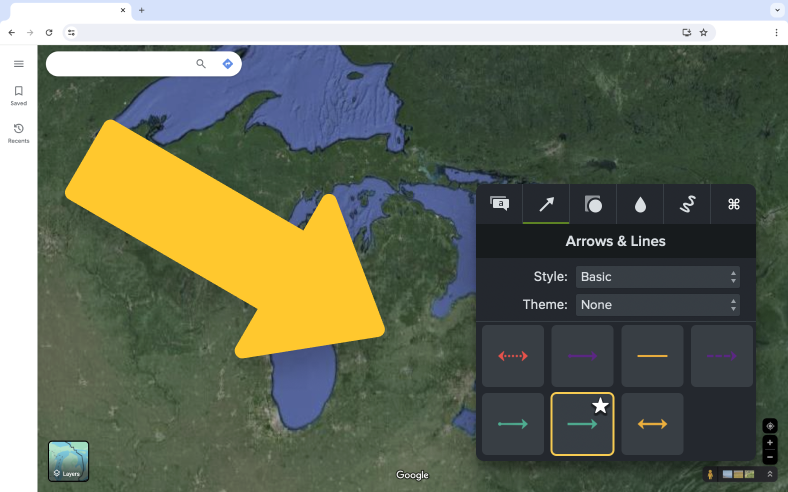
On-screen annotations
Place callouts, arrows, shapes, and sketch motion on any part of your video.
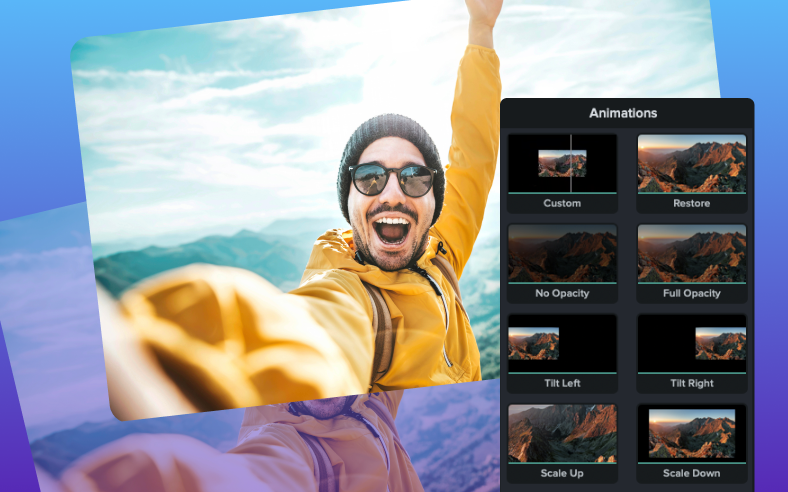
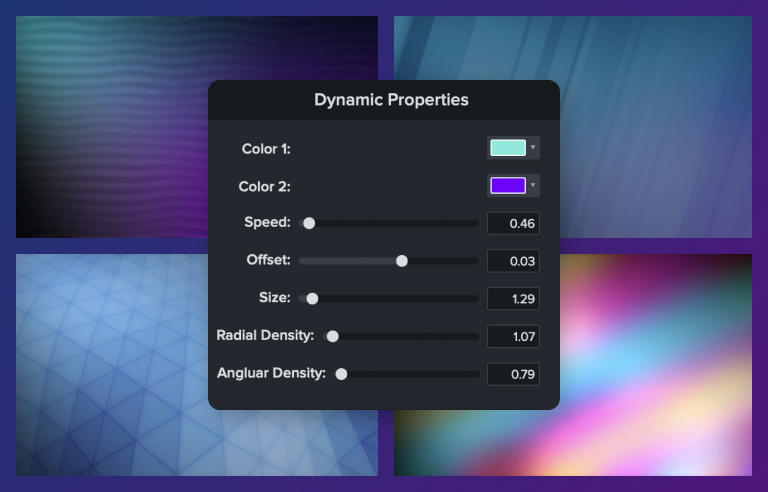
Dynamic backgrounds
Add movement and interest to your videos with thousands of pro-quality customizable motion backgrounds.
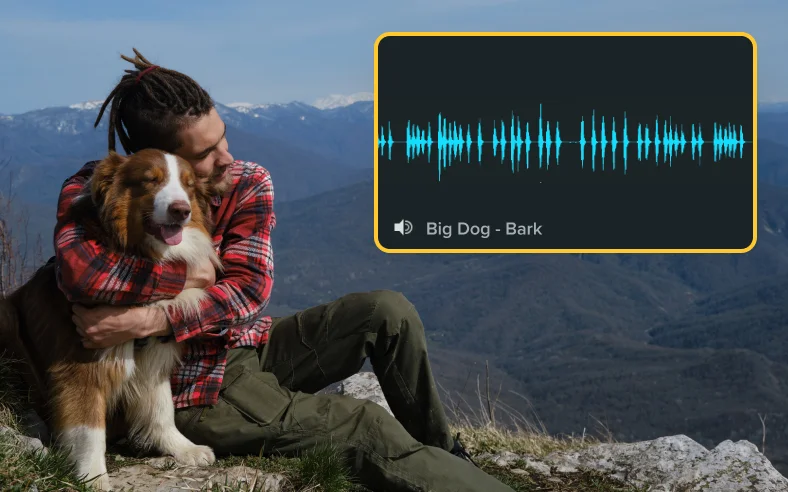
Sound effects
Emphasize important content in your video with royalty-free sound effects.
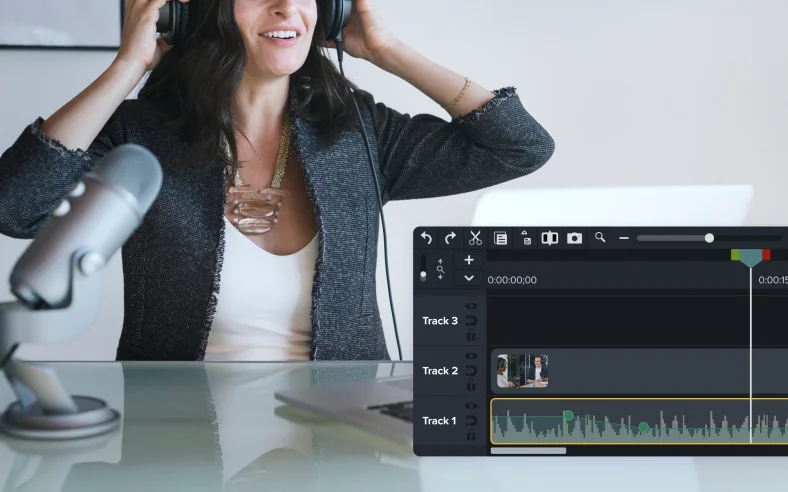
Music
Unlimited high-quality royalty-free music. Explore instrumental and vocal audio tracks in various moods, styles, and genres.
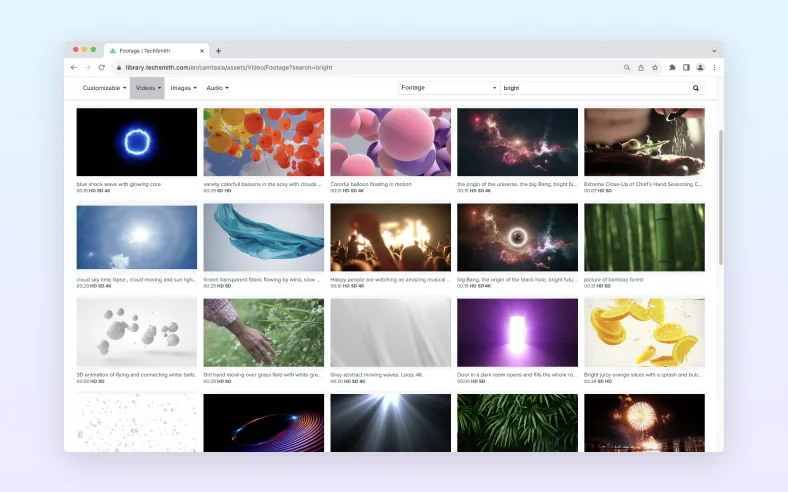
Video footage
Enhance your video projects with unlimited use of millions of high-quality, royalty-free video clips that bring your stories to life.
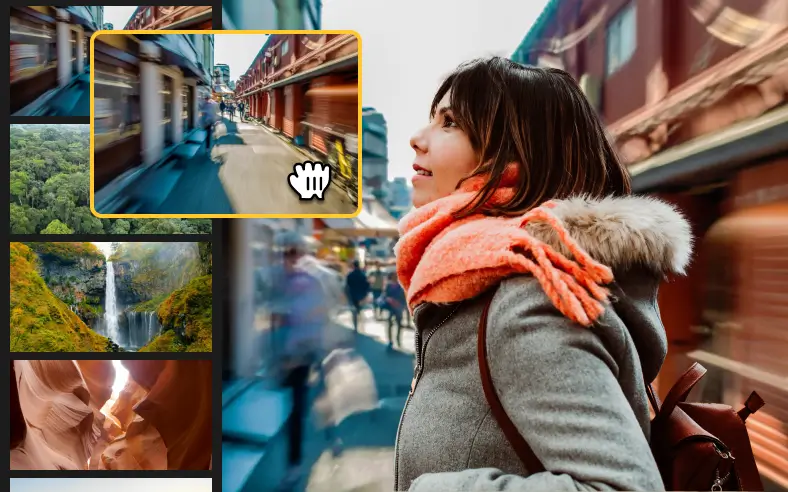
Motion backgrounds
Make your videos pop with animated, looping video backgrounds.
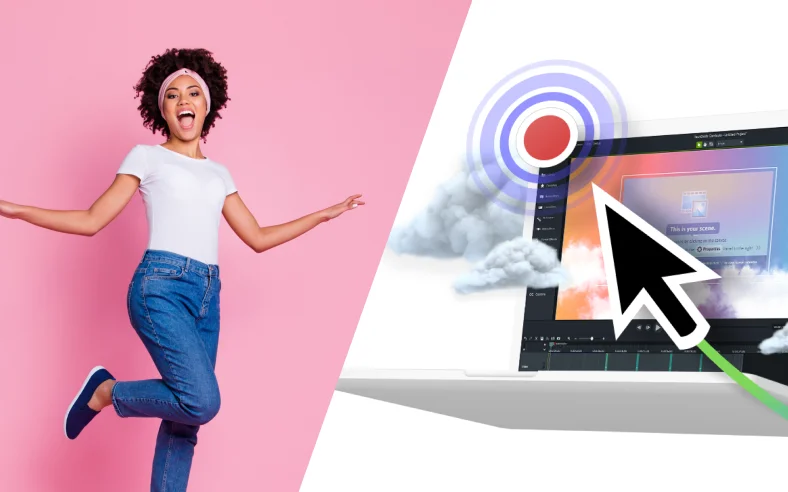
Motion path animations
Animate any image or Lottie file to move, fly, or dash across the screen in any pattern of your choosing. Easily add points along your path and customize to get the exact effect you desire.
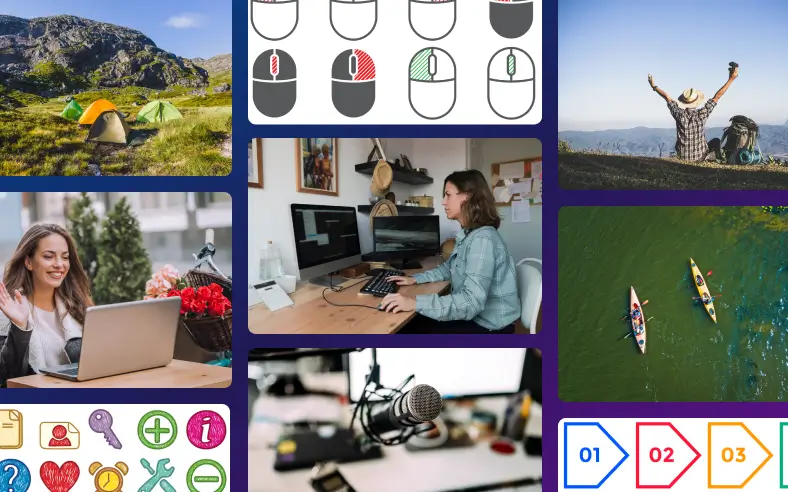
Photos and icons
Unlimited access to stunning royalty-free photos, illustrations, and icons powered by Shutterstock.
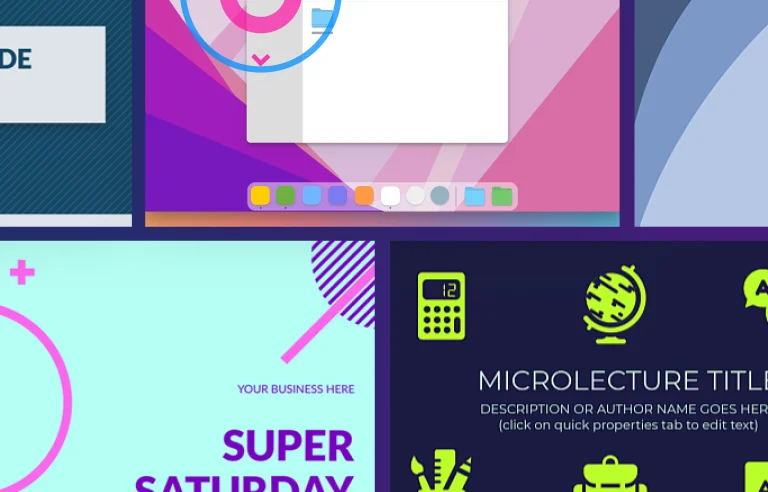
Customizable titles, templates, and themes
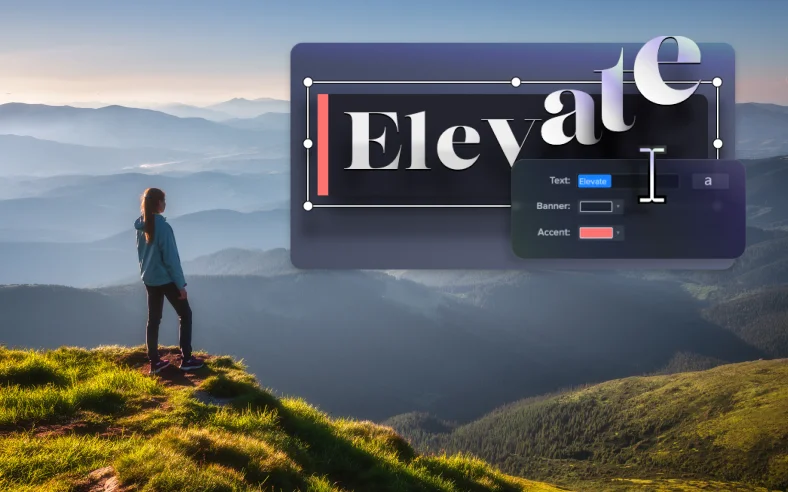
Browse professionally-designed titles, templates and themes and easily add your logo, text, and colors to make it your own.
Audio editing
AI text-based video editing
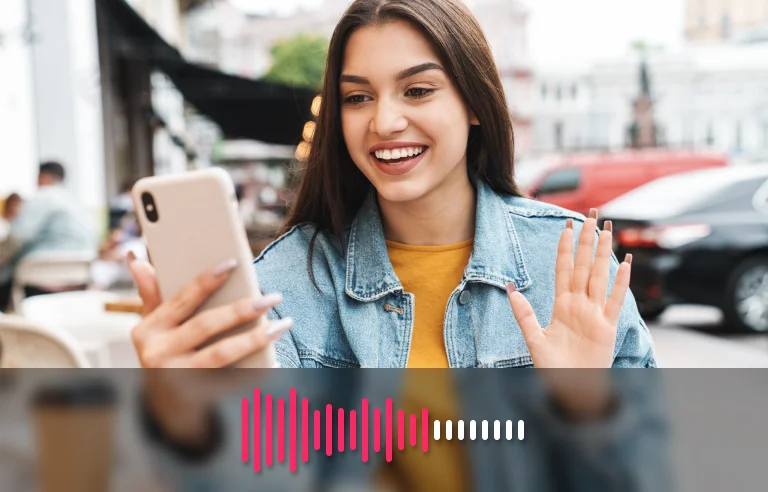
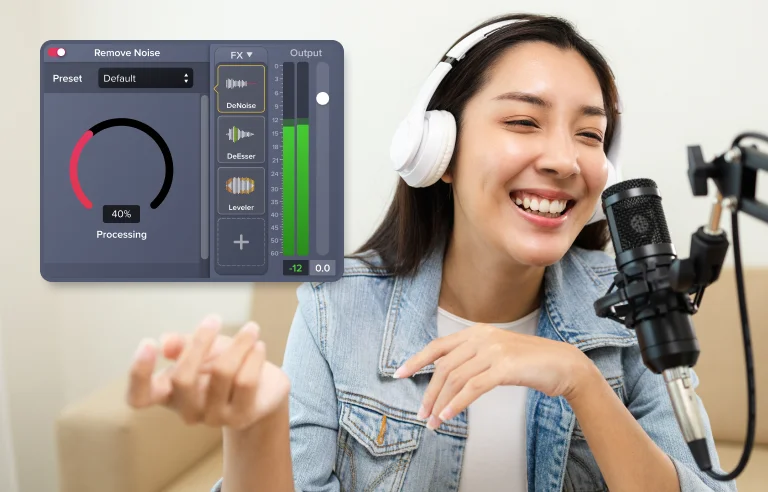
AI background noise removal
Remove unwanted background noise from your audio recordings with one click to enhance your audio quality.
Automatic hesitation detection and removal
AI detection and removal of hesitations and “ums” and “uhs” from your voice over for seamless, professional narration.
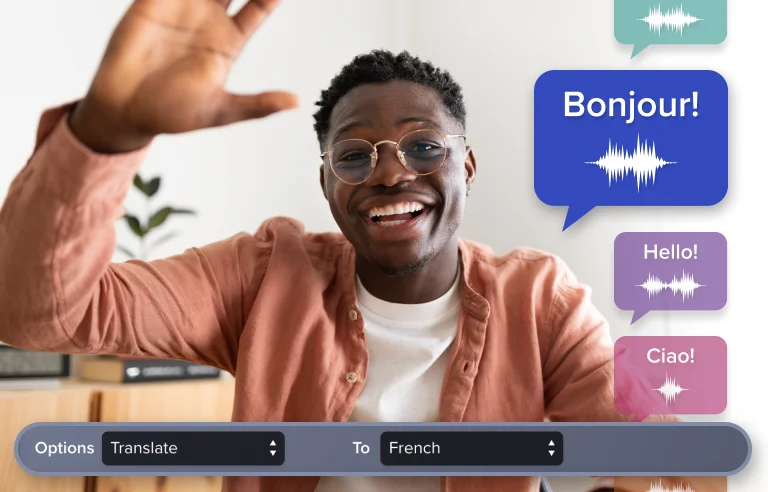
AI translation
Translate your audio and transcription to any of 7 languages and 9 dialects.
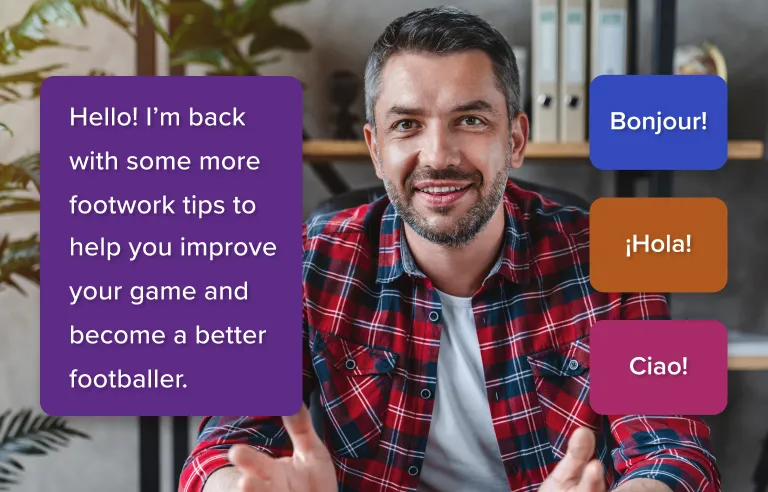
Audio transcription
Turn your audio into text in multiple languages and add captions to your video for increased accessibility.

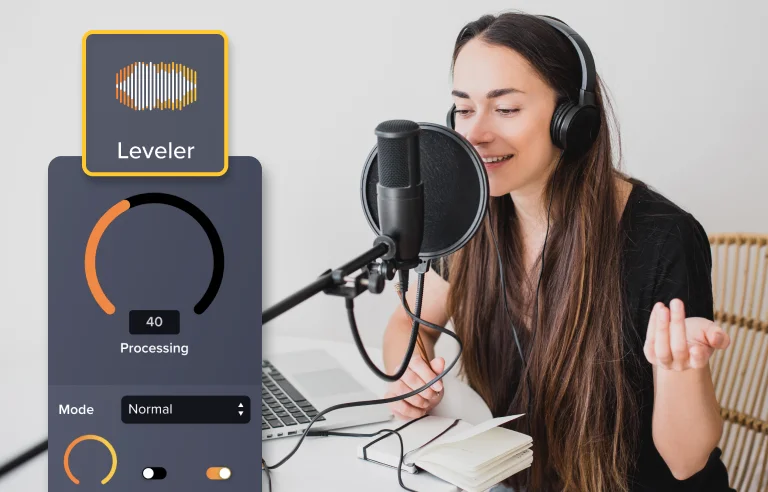
Audio leveling
Keep your voice at a consistent, professional-sounding level throughout your video.
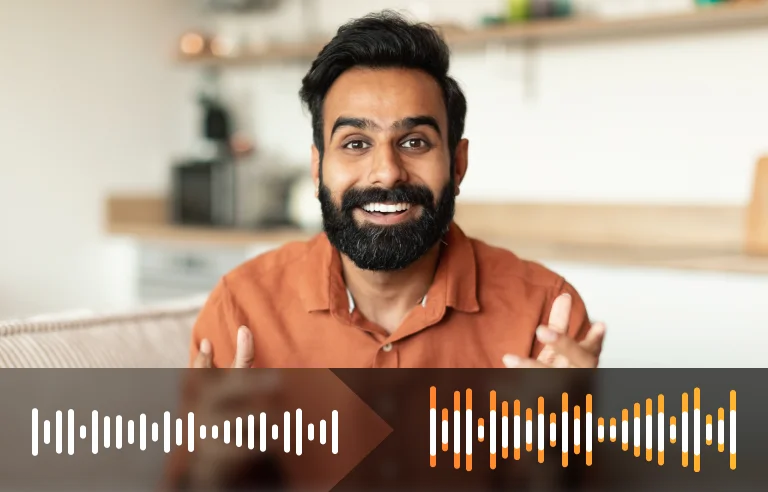
Audio normalization
Use fading to get the perfect balance of your voice audio and accompanying music.
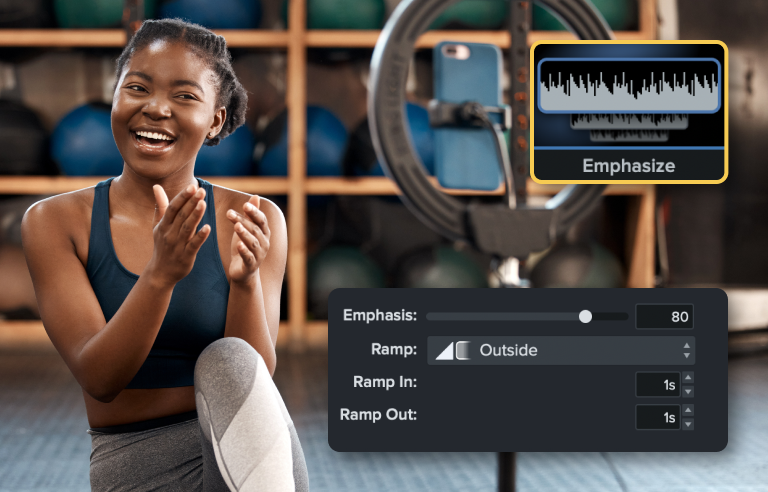
Emphasize audio
Automatically adjust the volume of background music or sound effects to let your voice over be heard more clearly.
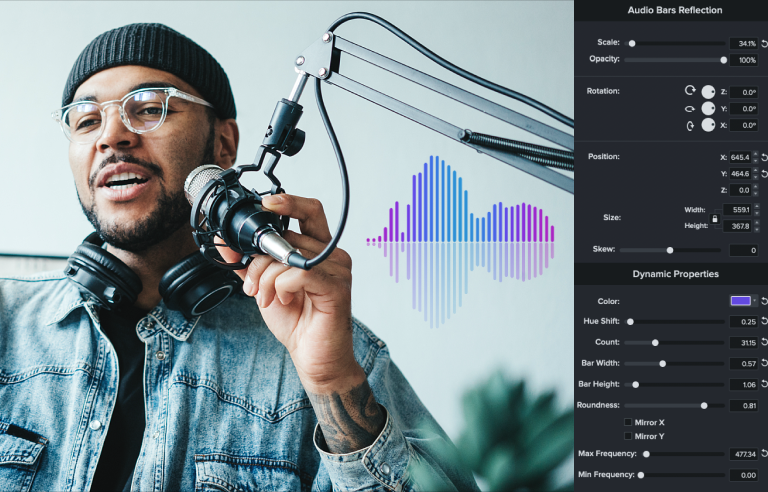
Audio visualizers
Turn your voice narration, music clips, sound effects, or any audio into dynamic visuals to add visual interest to your videos.
Cursor effects
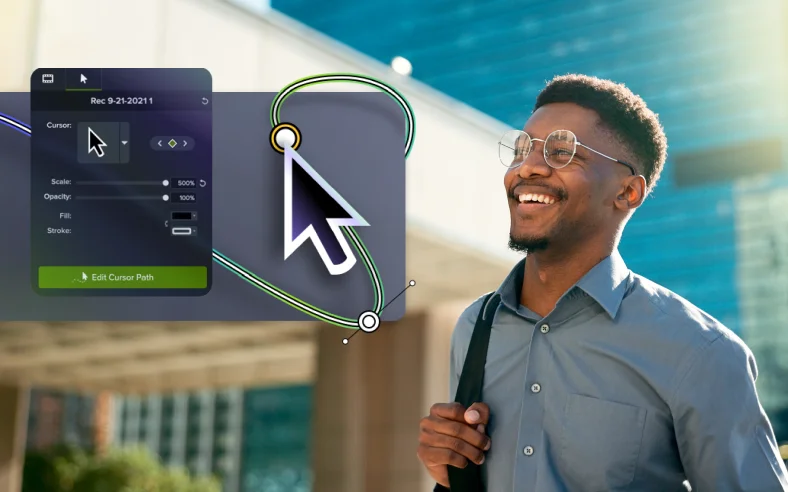
Cursor scaling
Replace or enlarge your mouse pointer to draw attention to the most important parts of the recording.
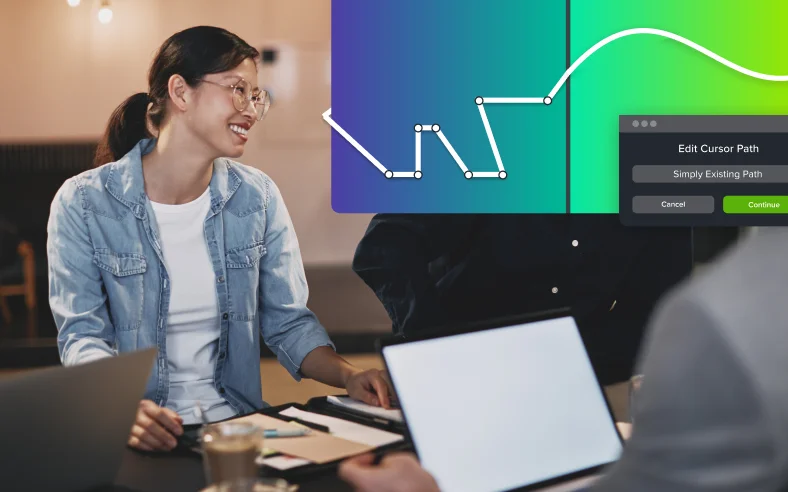
Cursor path editing
Correct, modify, and optimize your cursor path. Add paths and clicks to any image, video, or media element for additional clarity and movement.
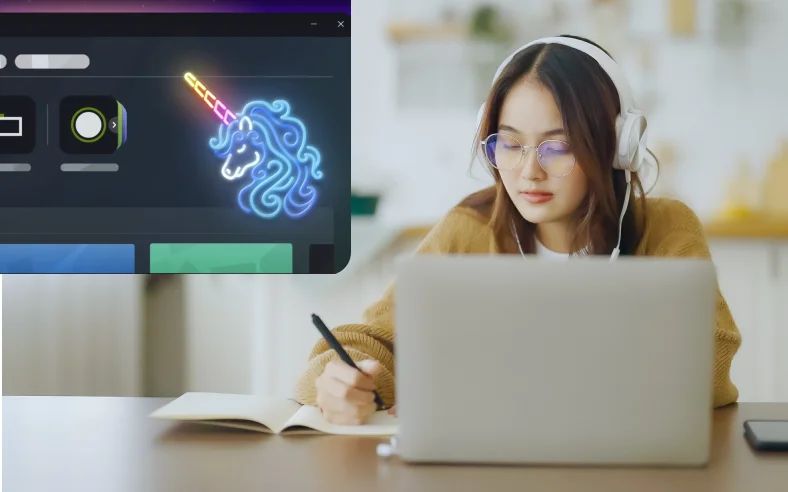
Cursor optimizations
Make a statement with your cursor by adding a glow effect or replacing it with a different style. Or upload your own company logo, thumbnail picture, or avatar.
Captioning
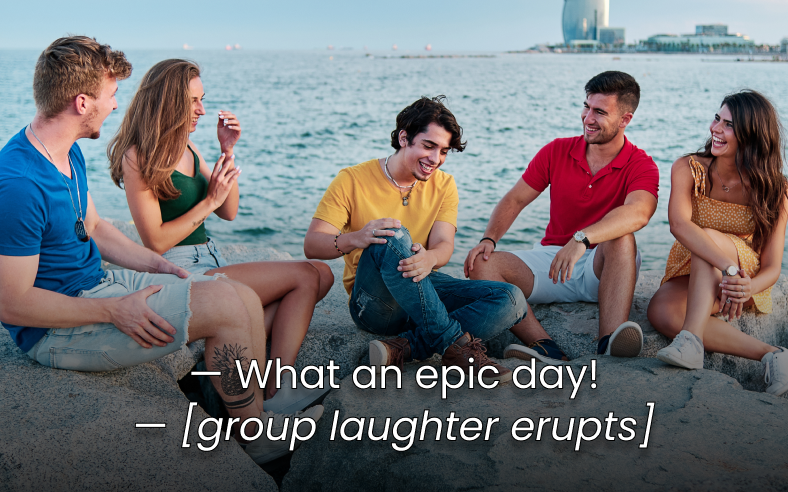
Generate captions from transcriptions
Automatically create caption files from your video’s transcription.
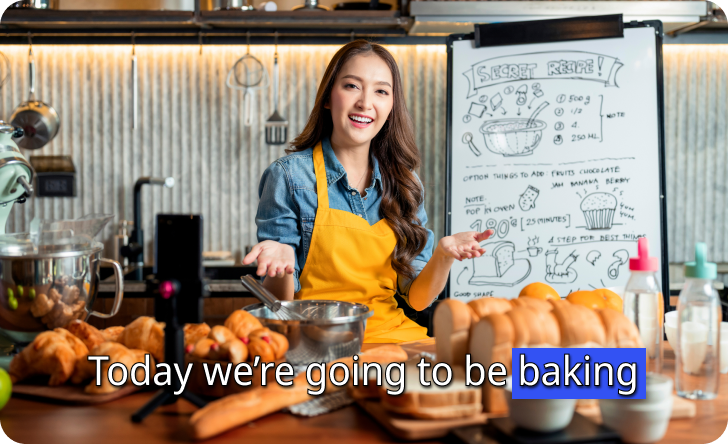
Dynamic captions
Create fun, dynamic social-media-style captions in dozens of languages and dialects.
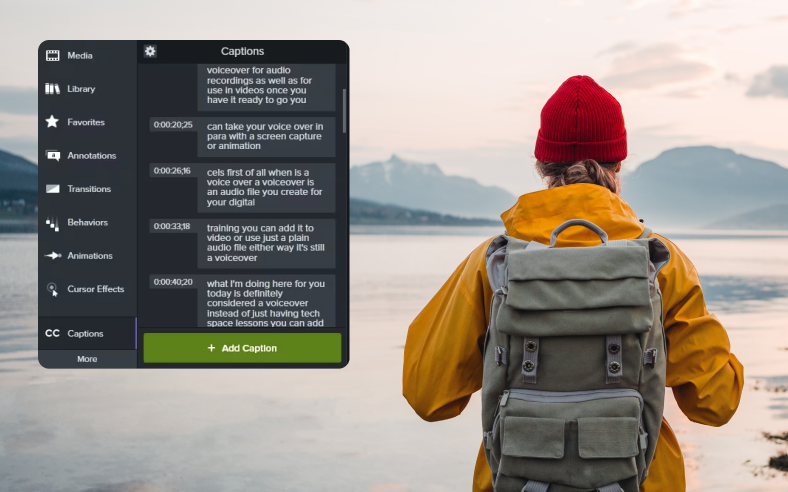
Closed captions
Generate closed caption files you can import directly into Camtasia to ensure ADA compliance.
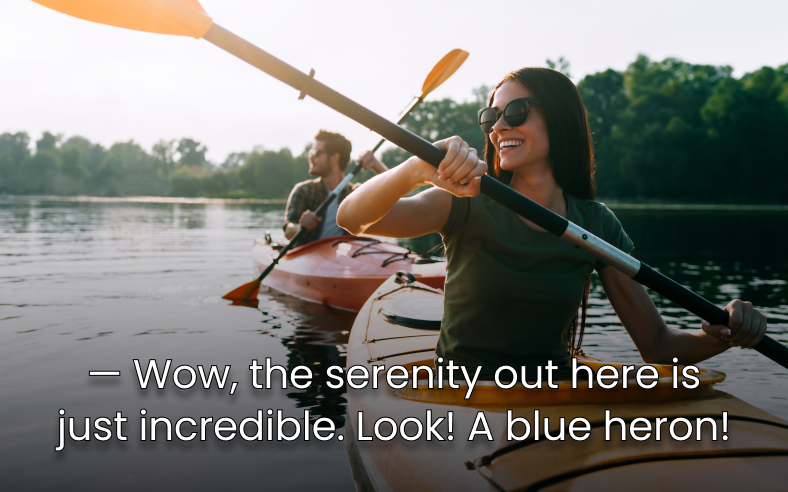
Collaboration
Collaborative video creation
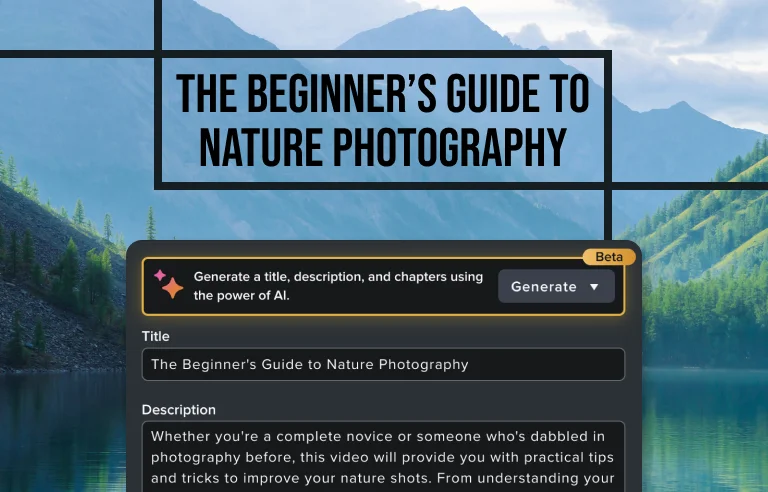
AI generated titles, descriptions, and chapters
Automatically generate titles, descriptions, and chapter markers for your videos.

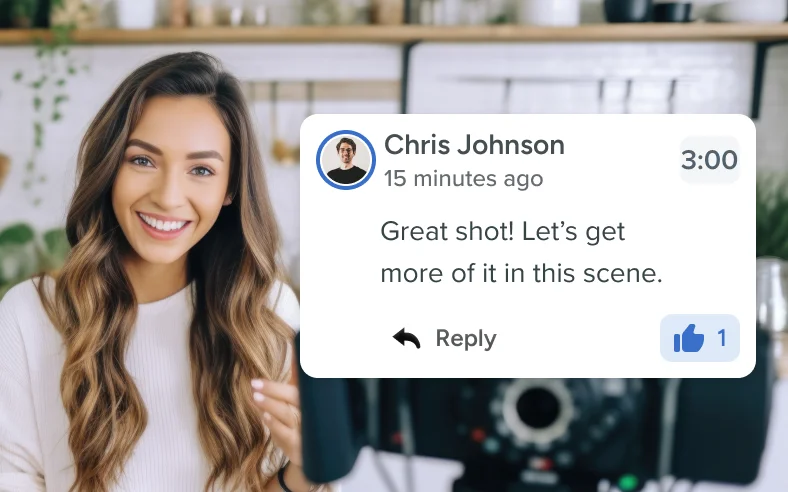
Comments and reviews
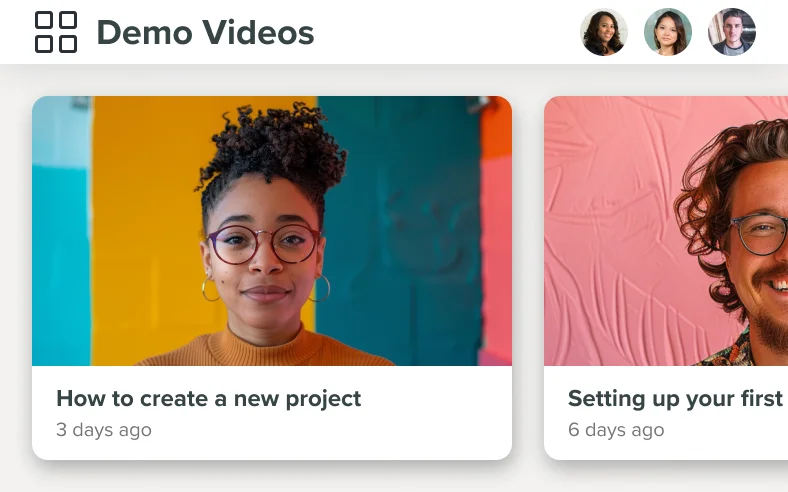
Upload videos to Screencast for easy collaboration and feedback from your colleagues.