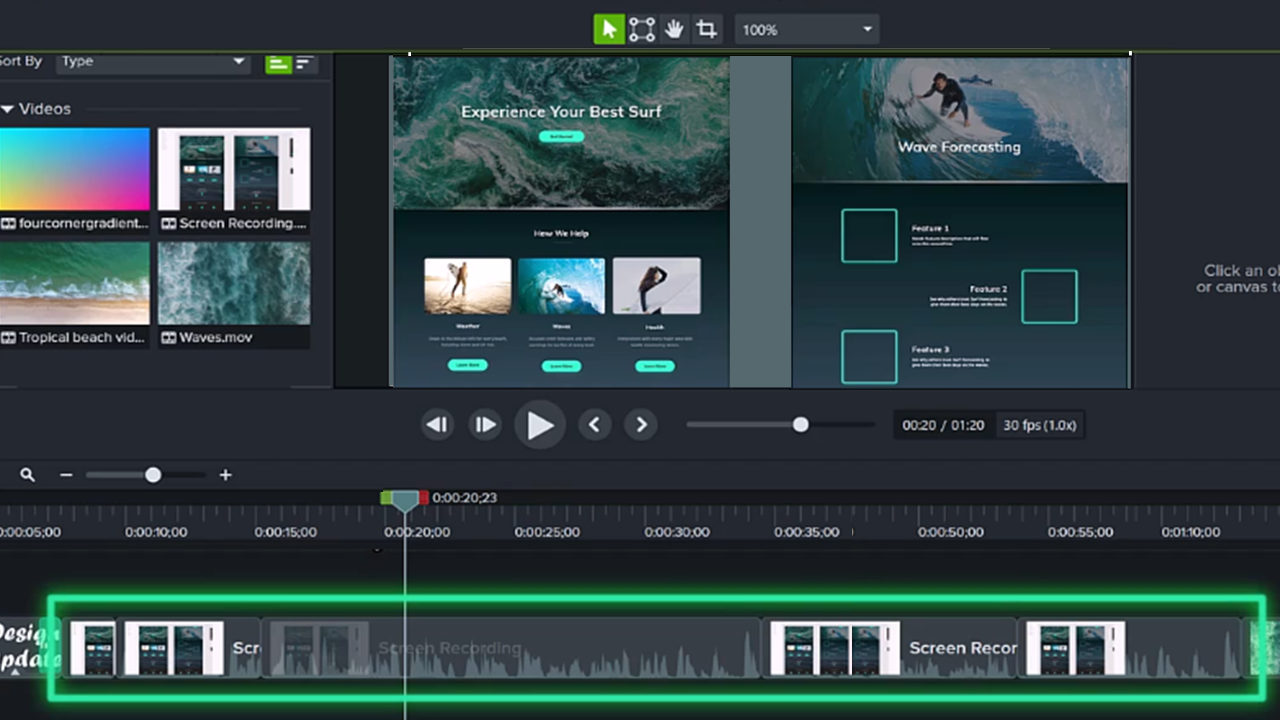



macOS Permissions
Learn how to enable permissions for Camtasia Editor on macOS 10.14 or later.

Learn how to enable permissions for Camtasia Editor on macOS 10.14 or later.

Permissions are required for Camtasia Editor to capture video and access the OS Photo Library. A dialog appears the first time Camtasia Editor runs on macOS 10.14 or later.
To open the Camtasia System Permissions dialog again, click Camtasia > Settings (macOS 13 or later) or Preferences (macOS 12 or earlier) > General tab > Camtasia System Permissions.


Note: It is recommended to enable all permissions before restarting Camtasia Editor. If you do not restart after permission changes, Camtasia Editor may display unpredictable behavior.

Note: It is recommended to enable all permissions before restarting Camtasia Editor. If you do not restart after permission changes, Camtasia Editor may display unpredictable behavior.
Unleash the world’s most powerful screen recorder and video editor.
* Already a Camtasia Editor user? Learn how to update to the latest version.