Learn how to export multiple videos in Camtasia Editor based on presets.
Overview
The Batch Exporter helps you to:
Quickly export a series of videos from a Camtasia Editor project or video file to repurpose the content to fit various platforms, video styles, or quality requirements.
Export a video file or project into multiple formats.
Maintain productivity by running the export process in the background while you create or edit another project.
Quickly edit the output location across your batch files to improve file management.
Add Projects to the Batch Export Queue (Windows)
In Camtasia Editor on Windows, you can add Camtasia projects (.tscproj) or video files (.trec and .mp4) to a queue and export multiple files based on the selected export preset for each.
Open Camtasia Editor.
In the Home hub, open a recent project or select New Project.
The Batch Exporter dialog opens. Click the Add Files/ Projects button to select a project to add to the export queue.
Browse to find Camtasia Projects (.tscproj), .trec, or .mp4 files to add.
Click the Open button to add the project to the queue.
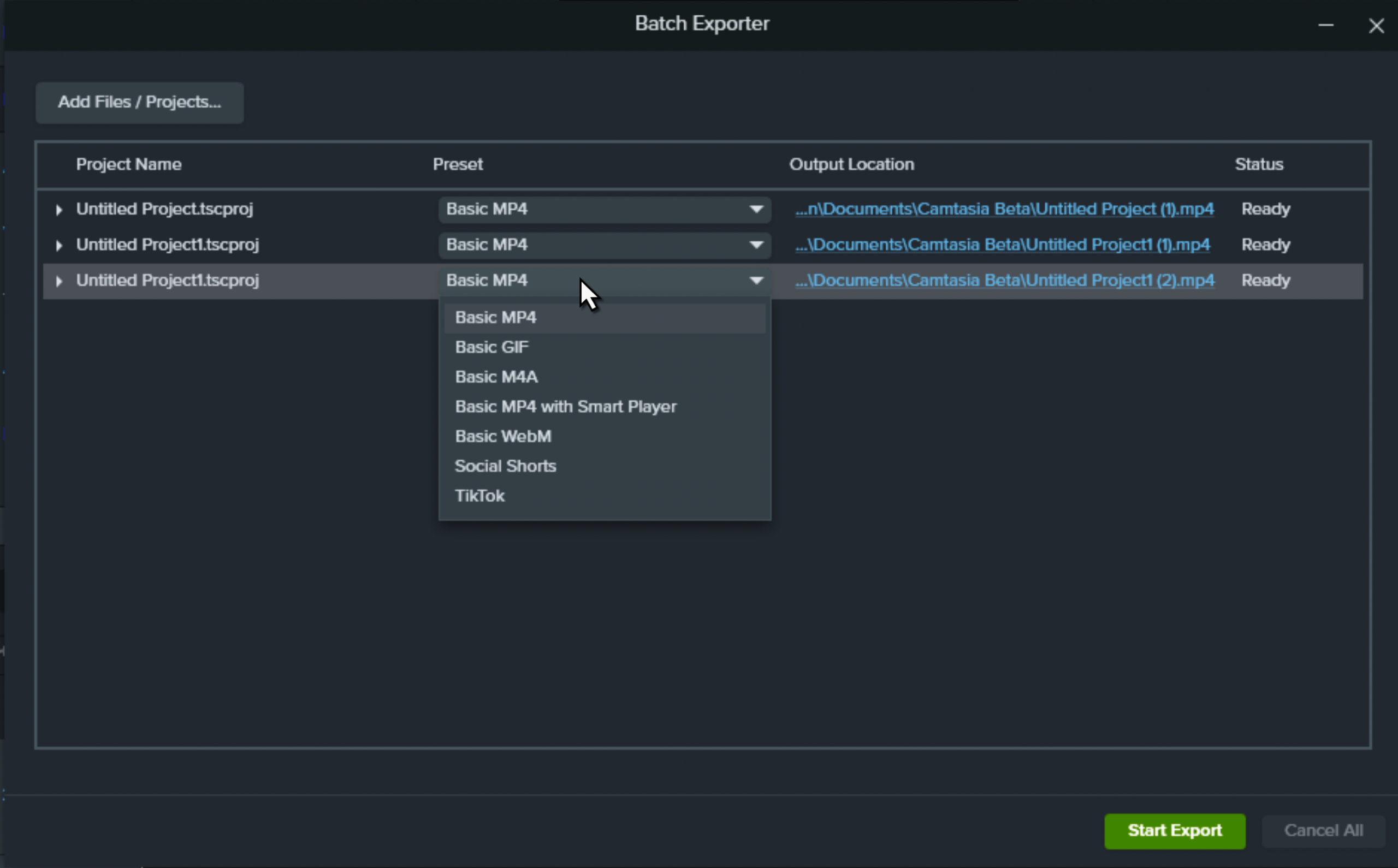
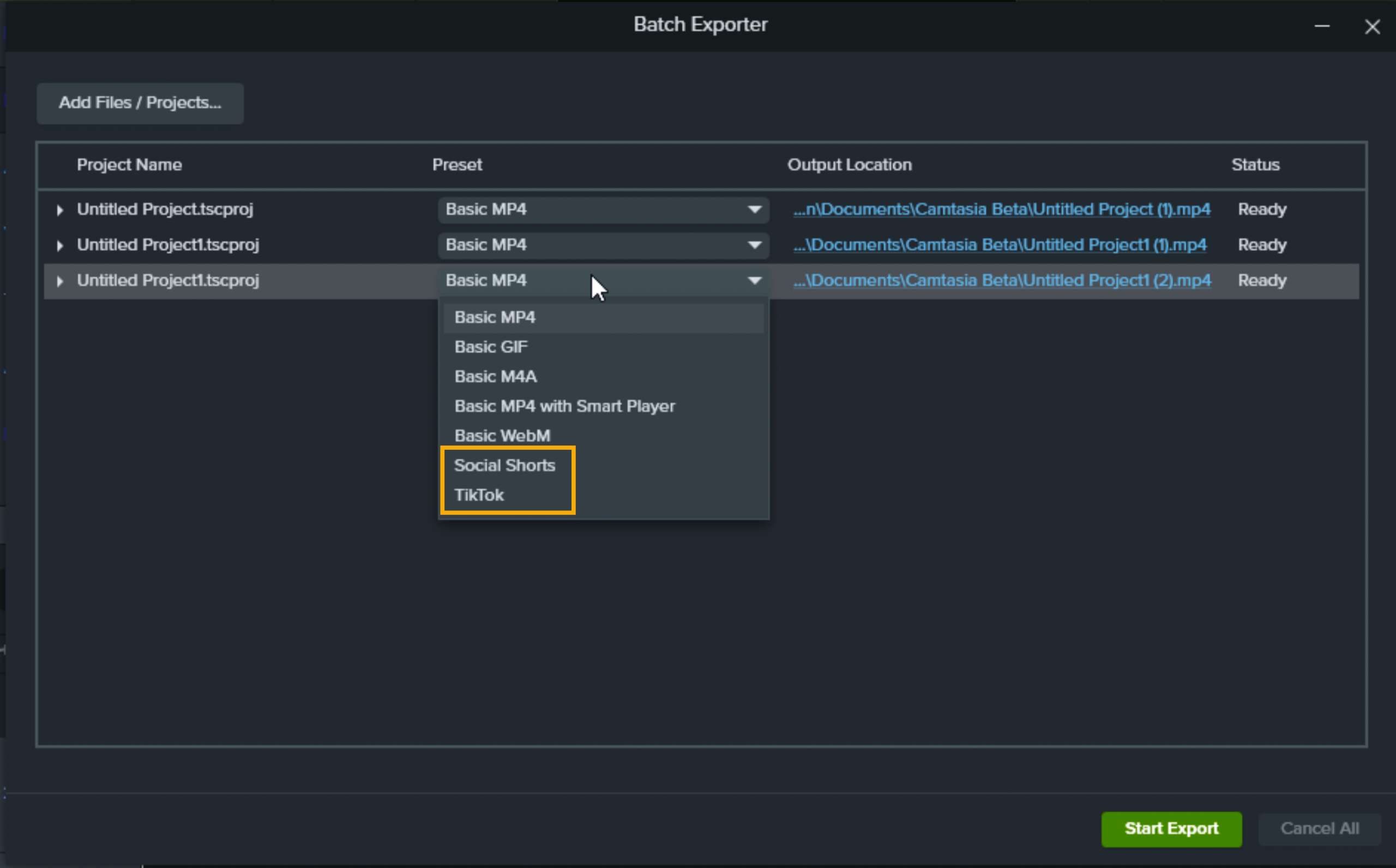
For each project in the queue, select an export preset from the Preset dropdown menu. To create custom export presets, see Set up Export Presets.
Note: If your project contains markers, you can export multiple videos based on the markers in the project in Camtasia Editor version 2023.4.2 or later. Click the dropdown next to the project name, and select the Create multiple files from markers checkbox.
To change the export location, click the Output Location path, browse to select a new file location, and click Select Folder.
Click the Start Export button. You can continue to work in Camtasia Editor and open other projects while the batch exporter is running.
Status Column
The Batch Exporter indicates the status of each project in the queue.
Status
Description / Action to Take
Ready
The project is ready for batch export.
Click the Start Export button to export the projects in the queue.
To remove a project from the queue, right-click the project name and select Remove.
Error
There was an error in the project and the file cannot be included in the batch export. Hover your cursor over the Error status for more information.
Warning
Hover your cursor over the Warning status for more information.
Progress bar
A progress bar appears in the Status column when Camtasia Editor has started exporting the selected project.
To cancel export for all files in the queue, click the Cancel All button.
Finished
The export for this project is complete.
Right-click the project name and select Open Exported File Location to view the exported file. The file location is also listed in the Output Location column.
Canceled
The export was not completed.
Click the Start Export button to continue batch exporting the projects in the queue.
Set Up Export Presets (Windows only)
Create a preset to save your custom export settings. Presets save time and are great for quickly applying specific export preferences based on platform, video type, or quality.
In Camtasia Editor, open a recent project.
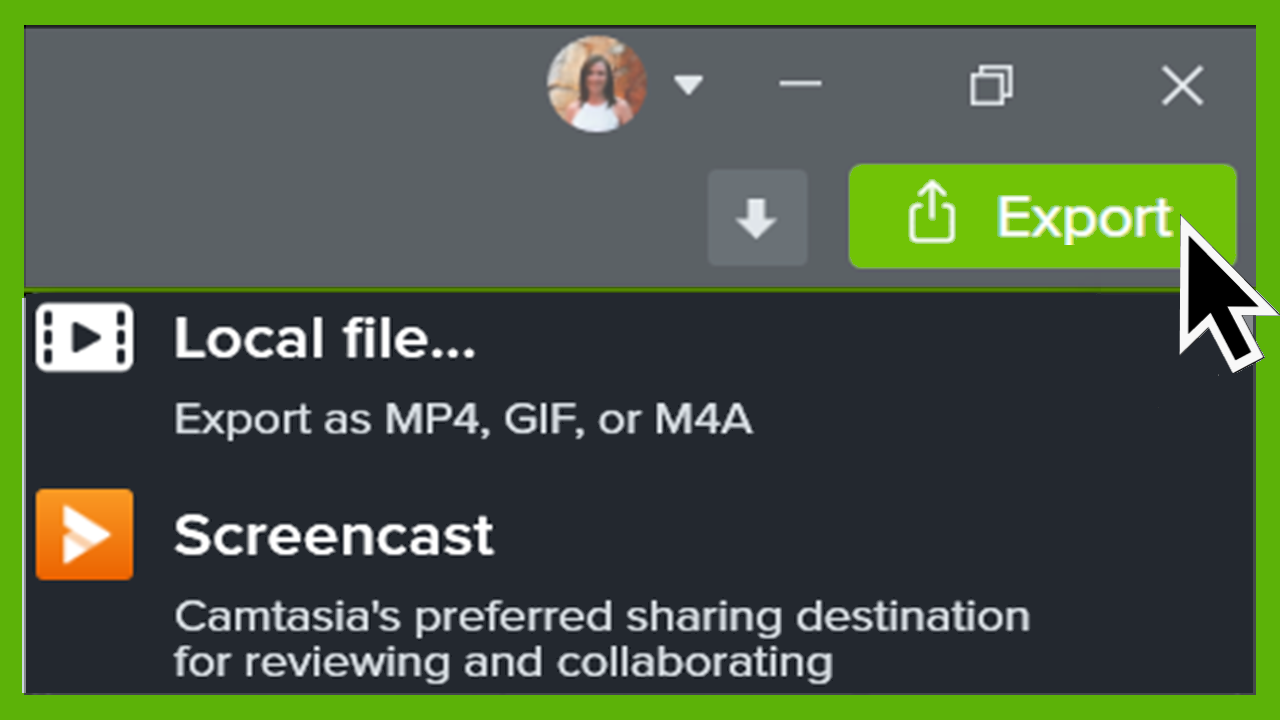
Select Export > Local File.
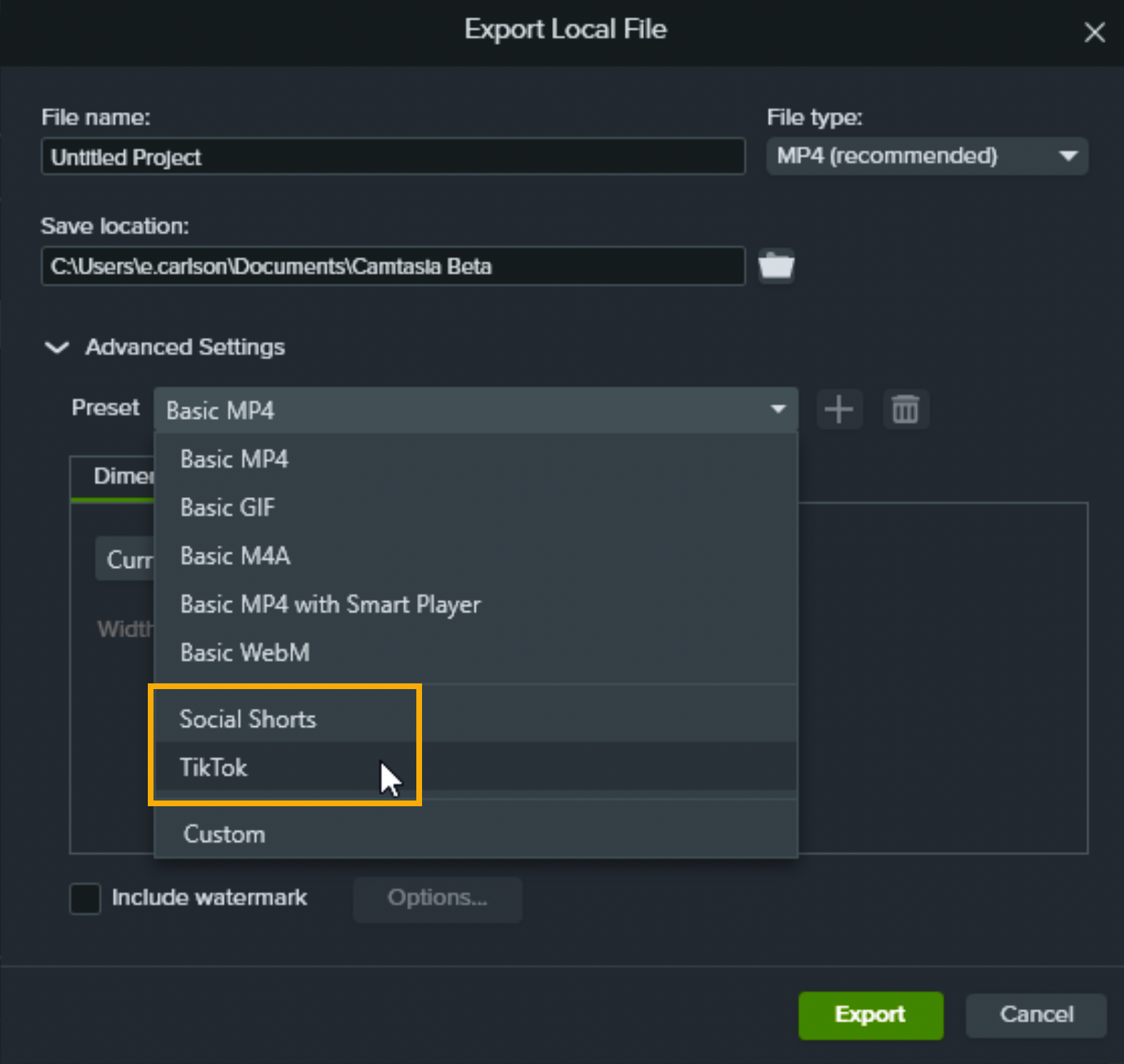
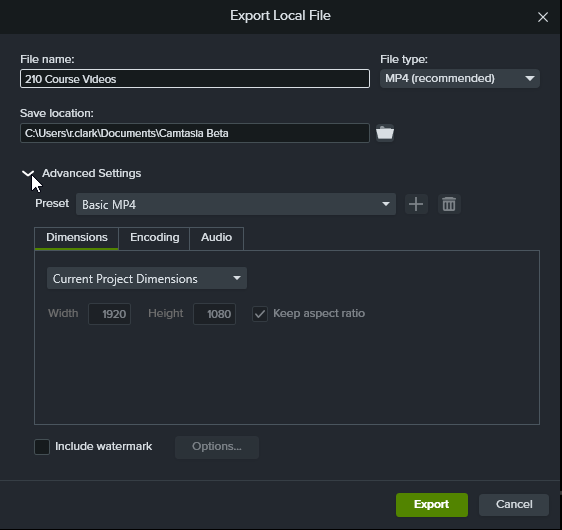
The Export Local File dialog appears. Click to expand the Advanced Settings.
Customize the desired settings on the Dimensions, Encoding, and Audio tabs.
Click the button to add a new preset.
The Add Exporter Preset dialog appears. Enter a name and click OK.
Camtasia Editor saves the Windows export preset. You can select and apply this preset in the following preset dropdown locations:
Batch Export Multiple Projects to a Single Export Type (Mac)
In Camtasia Editor on Mac, you can add multiple projects to the batch export queue to export multiple files based on the same file type or export settings.
Open Camtasia Editor.
Select Export > Batch Export button.
The Batch Export dialog opens. Click the Add Project button.
Browse to find Camtasia Project (.cmproj) files to add. Shift+click to add multiple .cmproj files.
Click the Select Project(s) button to add the project to the queue.
To change the export location, click the Select button, browse to select a new file location and click Select.
To customize the batch export settings for the projects in the queue, select a file format from the dropdown and click the Options button to edit the export settings.
Click the Start button.
Get Camtasia
Unleash the world’s most powerful screen recorder and video editor.












 button to add a new preset.