


Add Hotspots (Interactive Videos)
Learn how to link to a webpage, automatically pause your video, or direct users to replay or jump to different sections with Camtasia Editor's interactive hotspots.

Learn how to link to a webpage, automatically pause your video, or direct users to replay or jump to different sections with Camtasia Editor's interactive hotspots.

Hotspots provide a clickable call-to-action in a video such as:
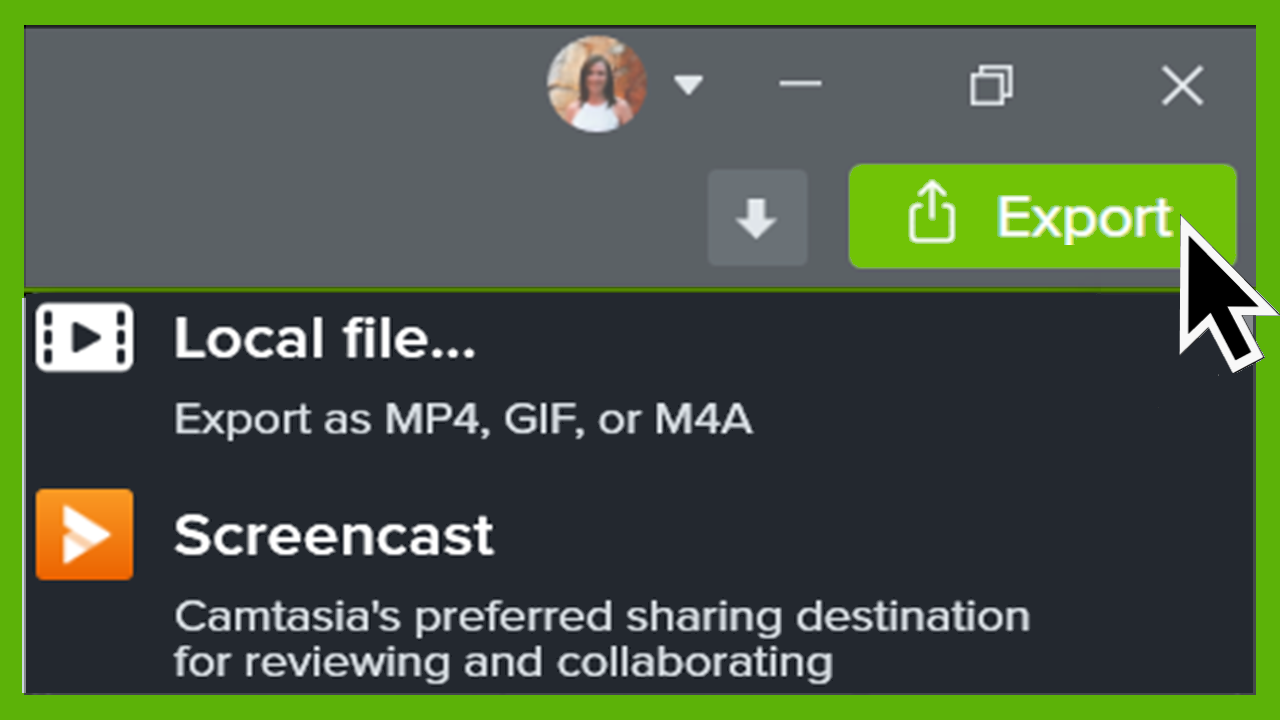
Note: The TechSmith Smart Player is required for table of contents, closed captions, search, quizzing, and hotspots in a video. To include the TechSmith Smart Player, export the video to Local File (MP4 with Smart Player) or Screencast. See Export & Share Your Video.
Unleash the world’s most powerful screen recorder and video editor.
* Already a Camtasia Editor user? Learn how to update to the latest version.