

Break Down Long Lectures into Digestible Parts
Keep students engaged, allow content to be more searchable, and improve content retention by breaking long videos into smaller segments

Keep students engaged, allow content to be more searchable, and improve content retention by breaking long videos into smaller segments
Look for a natural pause or transition from one topic to another. Use a marker or note the timestamp where the break occurs.
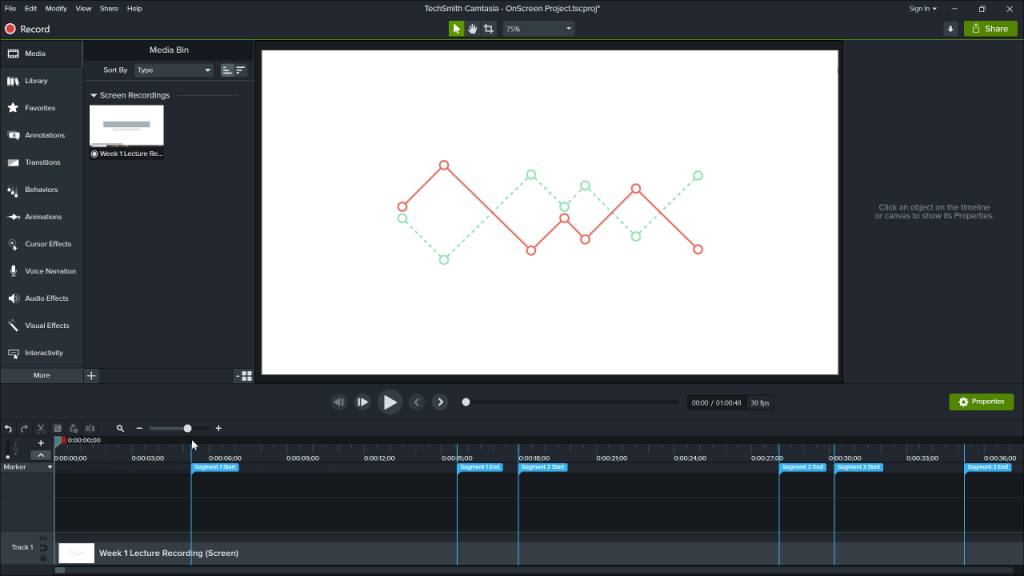
1. Click and drag the playhead to select the segment.
2. Right click in the selected area.
3.Choose Produce Timeline Selection As.
4. Choose the file type and where to save it.
5. Repeat for the remaining segments.
Keep students engaged, allow content to be more searchable, and improve content retention by breaking long videos into smaller segments.
Look for a natural pause or transition from one topic to another. Use a marker or note the timestamp where the break occurs.
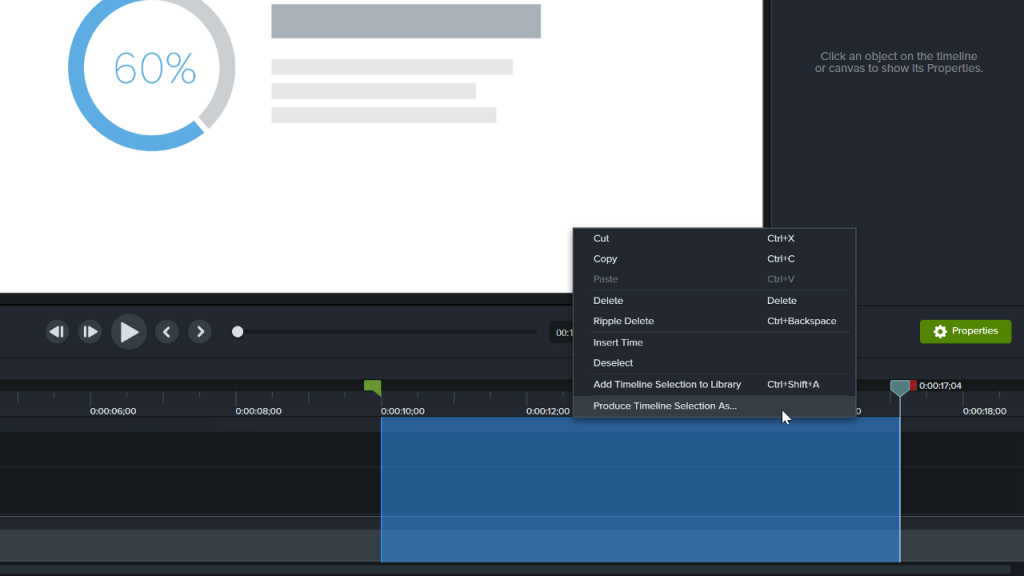
1. Click and drag the playhead to select the segment.
2. Right click in the selected area.
3.Choose Produce Timeline Selection As.
4. Choose the file type and where to save it.
5. Repeat for the remaining segments.
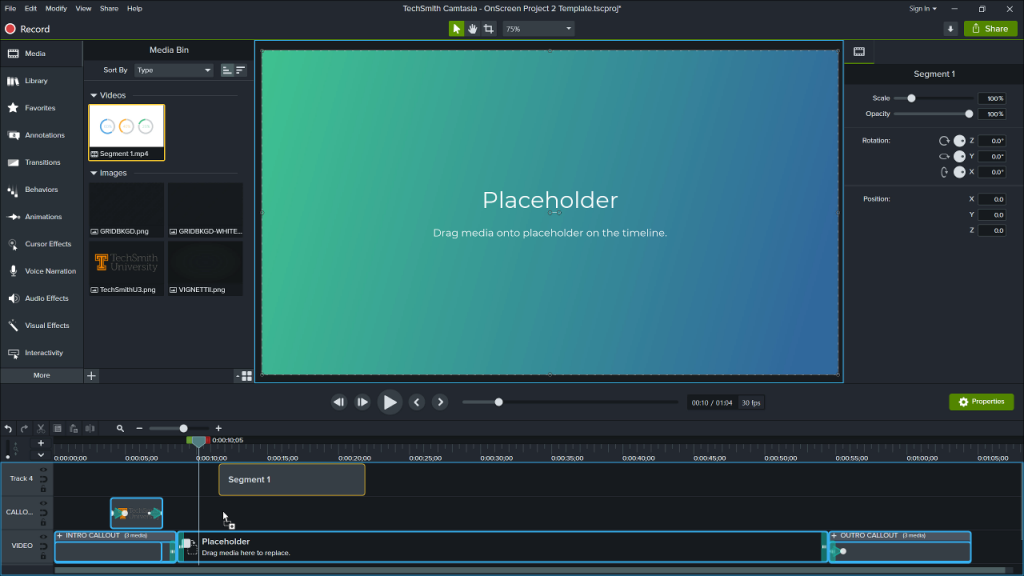
Use templates to create consistent intros, outros, and branding.
Open a template, import one of the newly created video segments, and drag it over the placeholder.