THE CAMTASIA SUITE


EXPLORE



SOLUTIONS



EDITOR FEATURES
SNAGIT FEATURES
AUDIATE FEATURES

Learn


Support


CHANGELOG
What’s new in Camtasia?
Turn on your auto-updates because our team is always cooking up something fresh.
Filter posts
Clear filtersRelease Type
Operating System
Tags
August 2024
Bug Fixes
Miscellaneous bug fixes and improvements.
Camtasia
MacOS
2024.0.5
Fixed Crashes and Enhanced Import Workflow for PowerPoint
Camtasia
Windows
AudioCollaboration
2024.0.3
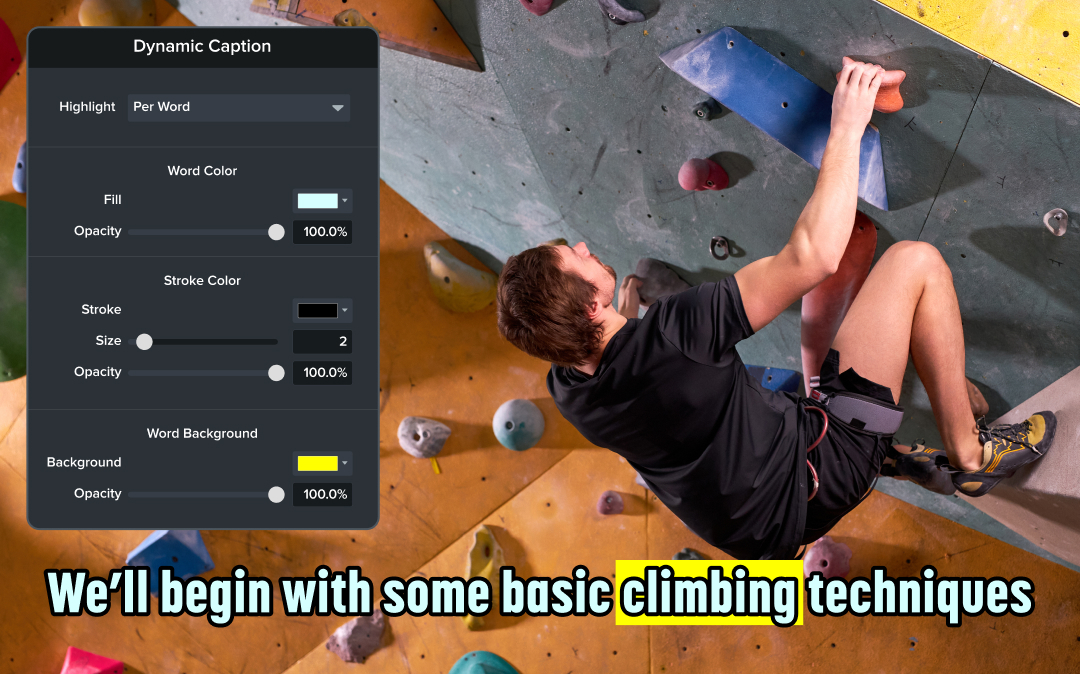
Edit Dynamic Captions Directly from Audiate
Modify dynamic captions imported from Audiate in Camtasia to perfect timing, accuracy, and accessibility.
Camtasia now lets you modify dynamic captions imported from Audiate, giving you greater control over your video’s accessibility and presentation. Seamlessly adjust captions to align with your content and ensure every word is perfectly timed and displayed.
💚 Why you’ll love this new feature:
Make your videos more polished and accessible by editing dynamic captions from Audiate today!
Camtasia
MacOS
Editing
2024.0.4
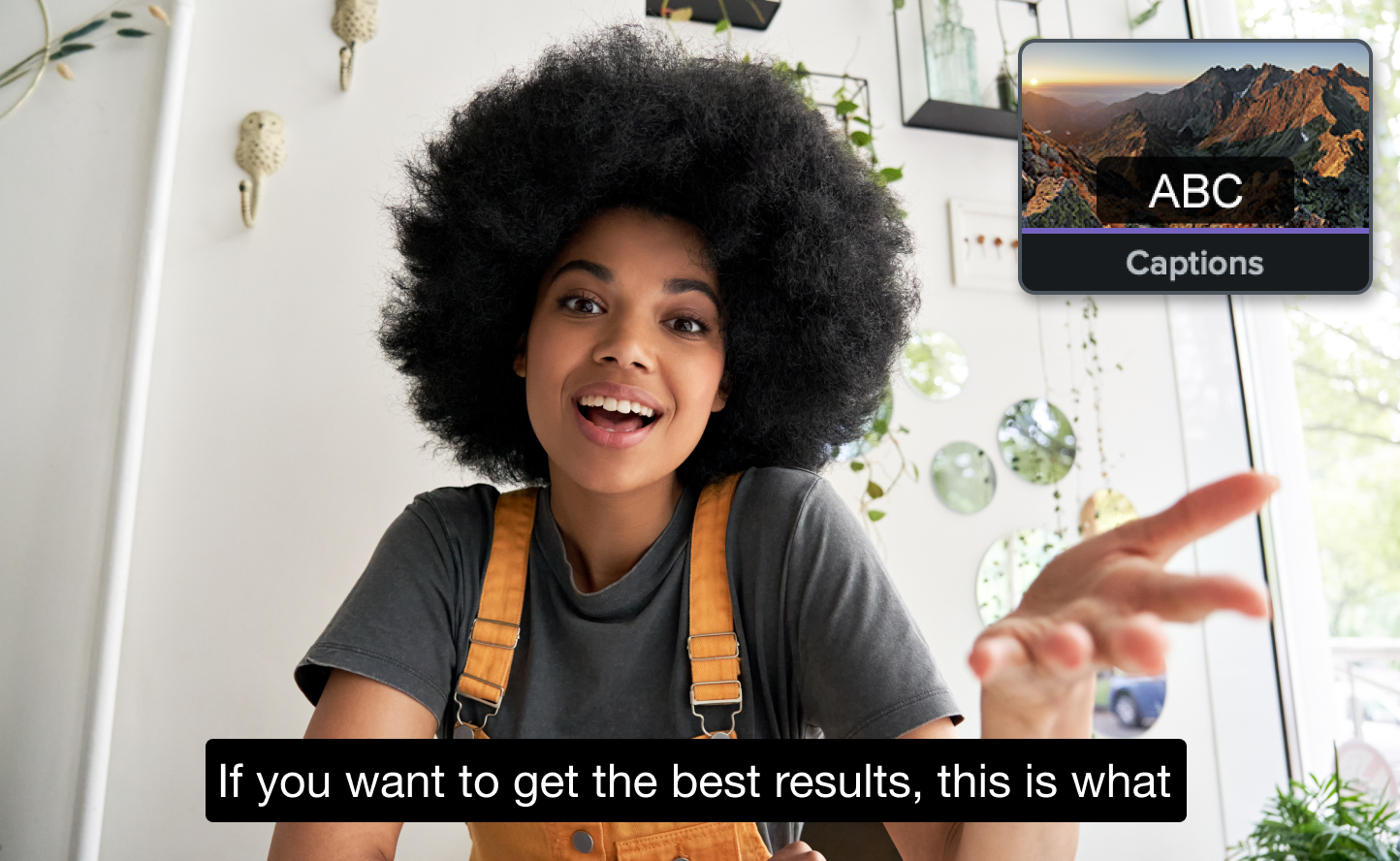
Automatically Create Closed Captions with Speech-to-Text
Use Camtasia’s speech-to-text feature to automatically transcribe audio into closed captions, improving accessibility and saving time.
Camtasia now includes a speech-to-text feature that automatically transcribes audio into closed captions. This powerful tool makes it easier than ever to create accessible videos and save time on manual transcription.
💚 Why you’ll love this new feature:
Enable speech-to-text for closed captions today, and make your videos more inclusive!
Camtasia
MacOS
EditingAI
2024.0.4
Enhanced Background Removal, Captions, and Transcription Tools
Camtasia
Windows
AudioEditingAI
2024.0.2
Bug Fixes for Panels, Captions, and Startup Delays
Camtasia
Windows
Screen RecordingAudioEditingIT and Security
2024.0.2
Improved Recording Saves, Video Color Rendering, and Accuracy
Camtasia
MacOS
Screen RecordingEditingCollaboration
2024.0.4
July 2024
Resolved Proxying, Audio Normalization, and Shortcut Issues
Camtasia
MacOS
Editing
2024.0.3
June 2024
Resolved Audio Normalization and Screen Preview Issues
Camtasia
MacOS
Screen RecordingAudio
2024.0.2