CHANGELOG

What’s new in Camtasia?

Turn on your auto-updates because our team is always cooking up something fresh.

Filter posts

Clear filters

Release Type

Operating System

Tags

July 2025

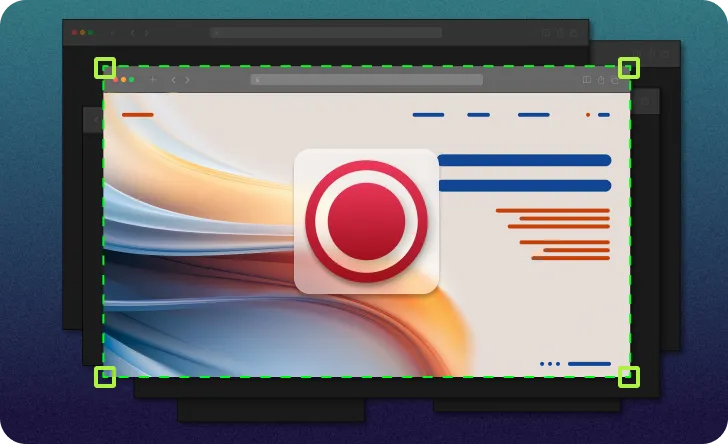
Computer screen with multiple windows open, but only one is being recorded.

Single window recording

Isolate your screen and audio recording to a single window without the distraction of anything else popping in to steal the focus.

Worried about distracting notifications showing up in your recording? Put the worries aside, Camtasia’s flexible recorder blocks out the noise and only records what you want. Choose a specific window in the Recorder and only record what is related to the window. This includes any window application audio. Able to resize window recordings during editing without any loss of quality.

Ready to try it for yourself?
View Tutorial
Camtasia
MacOSWindows
Screen Recording
2025.2
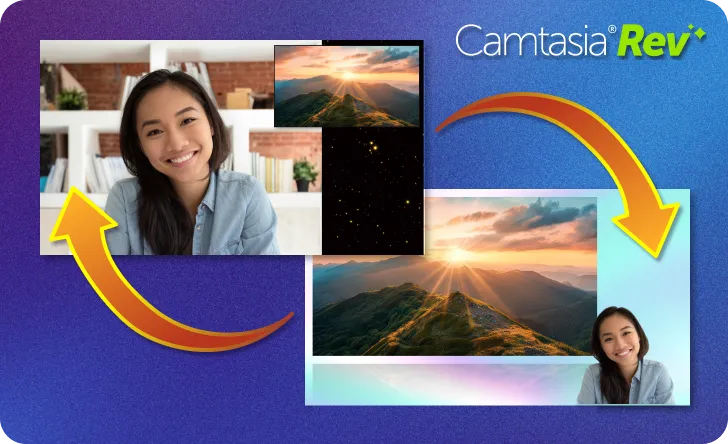
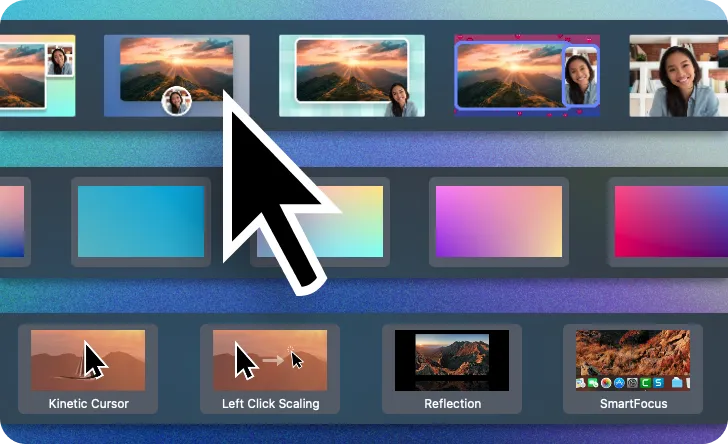
One layout of a video with screen and camera recording switching to a different layout.

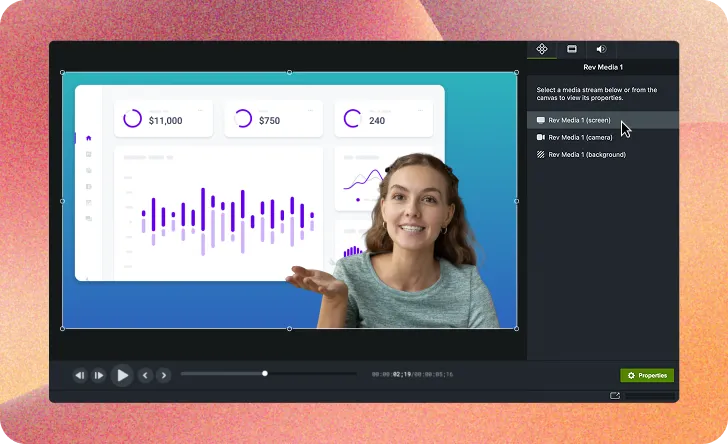
Rev Media now editable on timeline (Beta)

Instantly make adjustments to Rev recordings right on the timeline. Quickly and effortlessly modify the look, layout, and effects for entire recordings or split sections of your video.

Recording with Rev now creates Rev Media on timeline (user-toggleable in preferences) to provide flexibility in how you shape the look and feel of your video, with easy access to:

  • Modify Rev Media
  • Split Rev Media
  • Unpack Rev Media
  • Ready to try it for yourself?
    View Tutorial
    Camtasia
    MacOSWindows
    Screen RecordingEditing
    2025.2
    An image showing new video layouts, backgrounds, and effects.

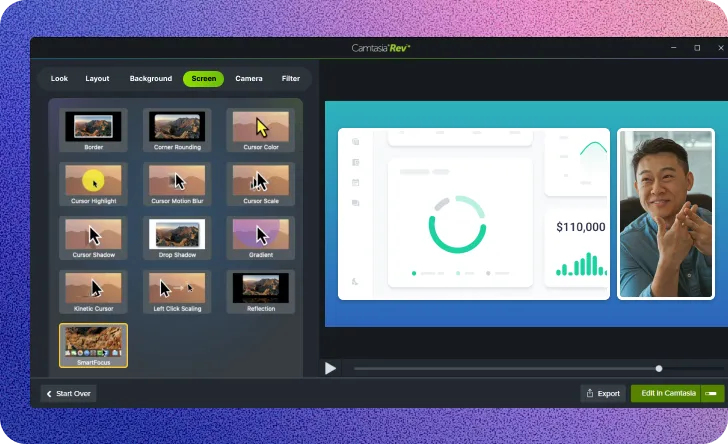
    Updates to Rev editing options

    The Rev editing workflow has been updated to include new looks, backgrounds, and effects. Your video will look better than ever in no time.

    Ready to try it for yourself?
    View Tutorial
    Camtasia
    MacOSWindows
    Screen RecordingEditing
    2025.2
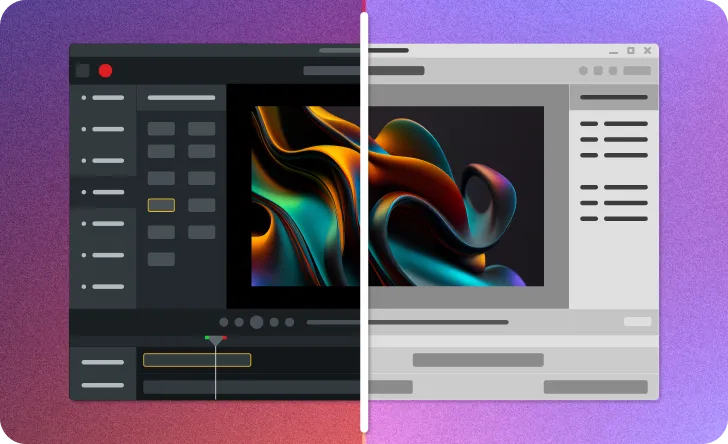
    Image showing the Camtasia editor UI as dark and light versions.

    Light Mode for Camtasia Editor UI (Beta)

    Not a fan of the dark side of Camtasia? Now you can brighten things up with the new Light Mode. Currently only available for Windows.

    Ready to try it for yourself?
    View Tutorial
    Camtasia
    Windows
    Editing
    2025.2

    April 2025

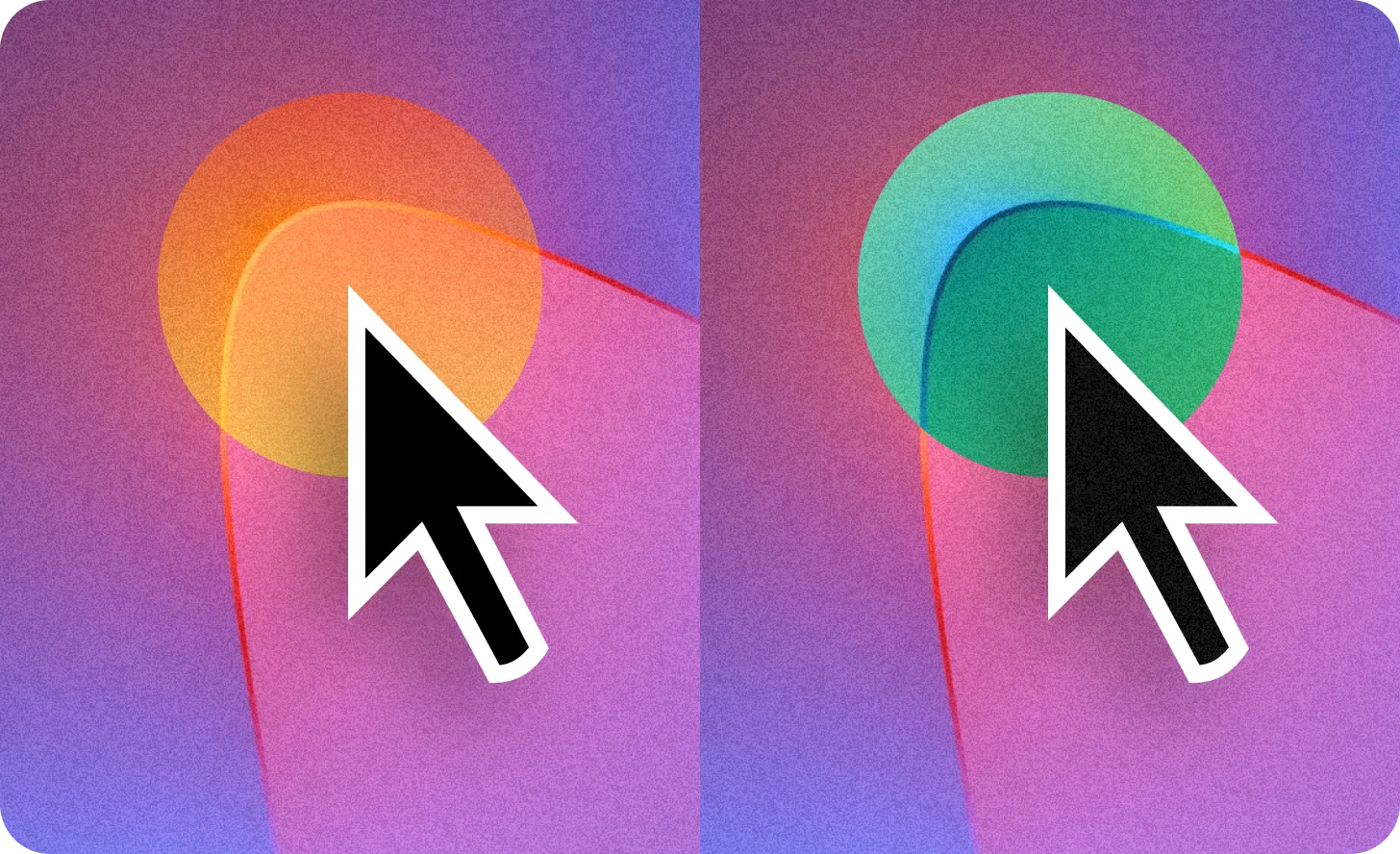
    Image showing two cursors with gradient and negative effects applied.

    Gradient and Negative Cursor Effects

    Instantly highlight your cursor movements in more ways with the new Gradient and Negative cursor effects.

    Ready to try it for yourself?
    View Tutorial
    Camtasia
    MacOSWindows
    Screen RecordingEditing
    2025.1.0
    Mouse cursor with a zoomed in circle and properties panel for zoom click effect.

    Zoom Cursor Click Effect

    Zoom in on your cursor clicks to let your audience see your actions up close with the Zoom click effect.

    Camtasia
    MacOSWindows
    Screen RecordingEditing
    2025.1.0
    A variety of cursors with different burst effects applied.

    Cursor Click Burst Effects

    Make your cursor clicks pop with a variety of new Burst click effects.

    Camtasia
    MacOSWindows
    Screen RecordingEditing
    2025.1.0
    Image showing Torn Edge visual effect settings and adjustments.

    Torn Edge Visual Effect

    Make your video look like it was ripped out of a book with the new Torn Edge visual effect. Easily adjust the depth, roughness, and intensity for a distinctive, handcrafted look.

    Ready to try it for yourself?
    View Tutorial
    Camtasia
    MacOSWindows
    Editing
    2025.1.0
    Image showing CRT Monitor effect settings and adjustments.

    CRT Monitor Visual Effect

    Make your screen look like it is on an old monitor with the CRT Monitor effect. The look is complete with scanlines, chromatic aberration, and a curved appearance.

    Ready to try it for yourself?
    View Tutorial
    Camtasia
    MacOSWindows
    Editing
    2025.1.0

    SmartFocus Animation Improvements

    Automatically add zoom and pan animation points based on size and context of screen recordings with SmartFocus.

    Camtasia
    MacOSWindows
    Screen RecordingEditing
    2025.1.0