









TL;DR: Standard Operating Procedures (SOPs) are documented, step-by-step instructions that ensure your team completes tasks consistently. By using visuals instead of just text, you reduce confusion and save your deep work time from being interrupted by the same three questions every day.
What is an SOP?
An SOP is a set of written instructions that describes how to perform a routine task. Think of it as a “cheat sheet” for your business operations that keeps quality high and prevents brain drain when someone is out of the office.
Create visual SOPs with Camtasia Snagit
Manual documentation is tedious. With Snagit’s step recorder you can generate an SOP while you perform a task.
See How It Works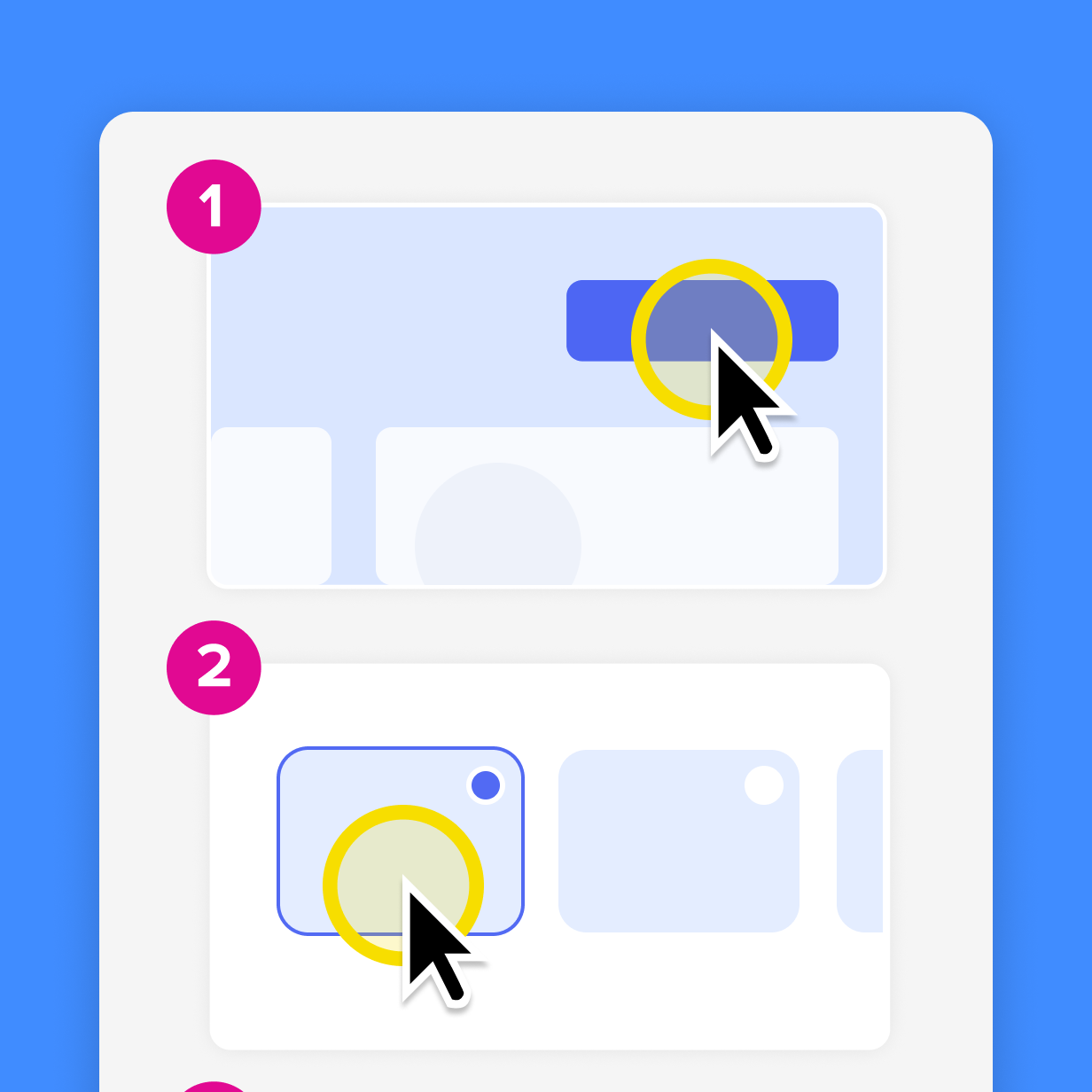
Why process documentation matters for your sanity
Without clear documentation, you end up in inefficient feedback loops, endless email chains, and redundant meetings.
A well-written SOP helps you:
- Assign accountability: Everyone knows who does what.
- Save time: Stop answering the same questions over and over.
- Maintain consistency: Ensure tasks are done correctly every time, no matter who is doing them.
How to write an effective SOP in 5 steps
- Know your audience: are you writing for a pro or a total newbie?
- Define the task: Be specific about where the process starts and ends.
- Gather input: Talk to the people who actually do the work to ensure accuracy.
- Write actionable steps: Use active verbs and keep sentences short.
- Add visuals for clarity: A screenshot with an arrow is worth a thousand words.
SOP best practices
Writing an SOP is only half the battle. If your documentation is buried in a folder titled “misc_docs_2023” it’s not helping anyone. Here is how to ensure your processes actually get used and stay relevant.
The single source of truth rule
Don’t have three different versions of the “How to Expense Lunch” guide floating around Slack. Pick one home for your SOPs. It can be a wiki, a shared Screencast Collection, or a dedicated folder on a shared drive. When everyone knows where the “turth” lives, they stop DMing you for the link.
Document as you go
You don’t need to wait for the perfect time or schedule a day to document every process. Instead, document while you do the work.
For example, next time someone asks you how to do something, record the process as you go with Snagit and send them the result. You just “accidentally” created an SOP.
Use visuals
If you find yourself writing, “Click the small, grayish-blue button in the upper-right quadrant, just below the “Help” icon,” stop. Just take a screenshot and add an arrow. If a step takes more than two sentences to explain, it needs a screenshot or a GIF.
Set expiration dates
Software changes. Interfaces get facelifts. An SOP from 2022 is basically an ancient scroll.
Use Snagit’s Simplify Tool to create “low-maintenance visuals.” By turning busy UI elements into clean, generic shapes, your screenshots stay “accurate” through software tweaks.
You can also set recurring calendar reminders to audit your library and stay on top of outdated content
How to automate your SOP creation
If your task involves software, stop manually hitting Print Screen like it’s 1999. Manual documentation can be a tedious cycle of capture, paste, type, and repeat.
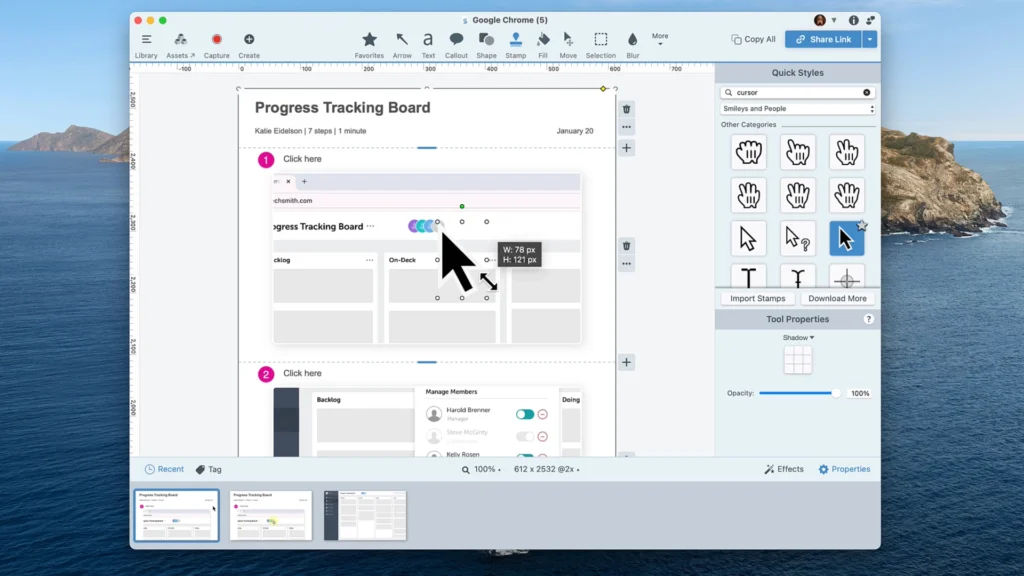
Instead of capturing individual images, use a tool like Camtasia Snagit to record the process and generate a how-to guide in seconds. Snagit initiates a capture every time you click, and logs every move as a clear, sequential step.
Why Camtasia Snagit is the ultimate SOP “cheat code”
- Automatic guides: Once you finish the process, Snagit automatically generates a step-by-step guide, complete with your clicks turned into instructions.
- Instant PowerPoint slides: Need to present your process? You can share your guide directly to PowerPoint, where every step becomes editable text.
- Edit once, update everywhere: If a step changes, you can pull out and edit individual images from the “Collection” without recapturing the whole process.
- Smart Redaction: Got sensitive data in your software? Use smart redact to automatically blur out things like IP addresses, phone numbers, or proprietary IDs across your entire guide in one click.
Create visual SOPs with Camtasia Snagit
Manual documentation is tedious. With Snagit’s step recorder you can generate an SOP while you perform a task.
See How It Works
Frequently asked questions
Think of an SOP as a “map” and work instruction as the “turn-by-turn directions.” The SOP tells you the goal and the high-level phases. The work instruction is where the details live. If you have a tool like Camtasia Snagit, you’re basically creating both at the same time.
If your software updates often, a. yearly review isn’t enough. Aim for quarterly check-ins for technical processes. A good rule of thumb: if you see a teammate struggling with a process, it’s time for a refresh.
Only if you want people to actually read them. Humans process visuals 60,000 times faster than text. A wall of text in a Word doc is where good processes go to die. A screenshot with a big red arrow is an instant, “Got it.”
While you could use a basic snipping tool, Camtasia Snagit is the gold standard for efficiency. Specifically, the steps capture functionality automates the entire process. You perform the task, and Snagit builds the guide. It’s like having a personal assistant who actually pays attention.
Make it impossible to miss. Don’t hide it in a deep sub-folder. Share a Screencast link directly in your Slack channel or pin it in your project management tool. If the SOP is easy to find and easy to scan, people will use it. If it’s a 40-page PDF, they’ll just DM you anyway.
Absolutely. If a process is particularly nuanced, use Camtasia Snagit to record a quick video or narrate your process with the “video from images” feature. It’sgreat for adding that human touch without having to schedule yet another meeting.
Share