










Churn is costly, and competition is fierce. The fastest way to keep customers is simple: help them succeed.
Video training gives customers clear, visual guidance so they can use your product with confidence from day one. When people feel capable, they stick around, explore more features, and recommend you to others.
In this guide, you’ll learn what customer retention really means, the metrics that matter, and specific ways to use video training to reduce churn, increase engagement, and turn loyal users into advocates.
What is customer retention?
Customer retention is the ability to keep customers engaged, satisfied, and confident over time — not just to prevent cancellations. There’s a compound effect of strong retention that creates measurable business impact:
- Financial benefits: Confident customers explore more features and invest more money in your products, leading to higher revenue.
- Efficiency benefits: Support teams spend less time answering basic questions, leading to lower operational costs.
- Strategic benefits: Satisfied customers recommend your products to others, leading to stronger growth.
Build your next training video with Camtasia
Record your screen or camera. Then, use the video editor to add polish and clarity.
Learn More
The business case for focusing on customer retention
More than just creating compound effects, customer retention promotes predictable growth. Supporting existing customers can be more efficient than acquiring new ones, and every retained account increases the odds of expansion and advocacy.
Video training amplifies these gains: clear tutorials deflect repetitive questions, speed up onboarding, and increase feature adoption. And research shows that teams that use video resources spend less time answering repetitive questions.
(For a deeper look at how video training supports customer success and reduces churn, see how video training impacts customer success.)
Another reason to focus on customer retention strategies is that customer advocacy multiplies return on investment. Trained customers become active promoters who:
- Share success stories with colleagues.
- Refer new business opportunities.
- Post positive reviews online.
- Participate in case studies.
With Camtasia for polished tutorials, Camtasia Snagit for quick how-tos, and Screencast for sharing and organizing collections, teams can create a scalable training loop that reduces support load and strengthens loyalty.
How to calculate basic retention metrics
Measuring customer retention provides data about customer engagement and confidence. Video training programs can influence these metrics by building competence and reducing frustration. Understanding and measuring engagement with video training is essential for optimizing retention strategies.
Customer retention rate (CRR)
This metric shows the percentage of customers who continue using your product over a given period of time. The formula is:
((Total number of customers – New customers) / Prior total customers) x 100, or ((E – N) / S0 x 100
Where…
E = Number of customers at the end of the time period
N = New customers added during the time period
S = Number of customers at the start of the time period
For example, if a company starts January with 1,000 customers (S), gains 80 new customers (N), and ends with 950 customers (E), the retention rate is 87%.
((950 – 80) / 1,000) x 100 = 87%
Companies typically calculate this monthly, quarterly, or annually.
Tip: Video training affects retention rates by helping customers understand features and overcome usage barriers. Customers who receive visual guidance experience fewer obstacles and stay engaged longer.
Churn rate
Churn rate is the percentage of customers who stop using a product during a given timeframe.
Churn rate = (Lost customers / Starting customers) x 100
For example, if 50 of 1,000 customers leave, your churn rate is 5%: (50 / 1000) x 100 = 5%. High churn rates signal dissatisfaction, poor onboarding, or competitive pressure.
Tip: Video training reduces customer churn by addressing pain points before they lead to cancellation. Clear visual demonstrations help customers achieve early wins and build confidence in their product choice.
Revenue churn
Revenue churn tracks the percentage of recurring revenue lost from existing customers. This includes full cancellations and downgrades to lower-tier plans.
Revenue churn = (Lost MRR / Starting MRR) x 100
For example, a company losing $5,000 in monthly revenue from a $100,000 base has a 5% revenue churn.
Tip: Effective training programs can help reduce revenue churn by demonstrating the value of premium features. Customers who understand advanced capabilities are less likely to downgrade or cancel subscriptions.
Customer lifetime value (CLV)
Customer lifetime value estimates the total revenue a business can expect from a single customer relationship.
For non-subscription models:
CLV = Average Purchase Value × Average Purchase Frequency × Average Customer Lifespan
For subscription models:
CLV = Monthly Recurring Revenue per Customer × Customer Lifetime
Customer Lifetime = 1 / Churn Rate
For example, a customer who pays $100 per month with a 2% churn rate has a CLV of $5,000.
Customer lifetime: 1 / .02 = 50
Subscription CLV: 100 x 50 = $5,000
Tip: Video training increases CLV by fostering long-term relationships with customers and encouraging feature adoption. Customers who receive ongoing education tend to remain active users longer and explore additional capabilities.
Make great educational videos
Create engaging videos that drive student success with Camtasia’s easy drag-and-drop editing.
Free Download
Net promoter score (NPS)
Net promoter score measures customer loyalty through a single survey question that asks how likely customers are to recommend a product on a scale of 0–10. Responses categorize customers as promoters (9–10), passives (7–8), or detractors (0–6).
Calculate NPS by subtracting the percentage of detractors from the percentage of promoters.
NPS = % Promoters – % Detractors
For example, a company with 60% promoters and 20% detractors has an NPS of 40.
Tip: Video training programs can improve NPS scores by creating positive customer experiences and building product expertise. Customers who feel confident using a product are more likely to recommend it to others.
Repurchase rate
Repurchase rate tracks how many customers buy again within a given period. It’s a practical signal of confidence — when training shortens time-to-value, repurchases follow.
Repurchase rate = (Repeat Customers / Total Customers) x 100
Tip: Pair repurchase analysis with video engagement to see how specific tutorials influence repeat behavior.
Essential strategies to help improve customer retention
Organizations can implement specific strategies to reduce churn and build customer confidence. Each approach focuses on creating positive experiences that encourage long-term loyalty.
Onboarding that reduces confusion
The first 90 days determine whether customers will continue using a product or service. Confusion during onboarding creates frustration, generates support tickets, and increases churn rates.
Video onboarding addresses these challenges by showing exactly how to use product features. Visual demonstrations provide consistency for every new customer and allow people to replay content when needed.
Effective onboarding follows a two-track approach:
- Foundational training (company-wide): Build polished, reusable tutorials in Camtasia so you can update projects without starting over.
- Role-specific quick wins: Record short, targeted walkthroughs in Snagit and organize them into Screencast Pro Collections for each department.
Global organizations benefit from localization features available in advanced video creation platforms. Camtasia Audiate includes AI translation and voice narration tools, making onboarding content accessible across different languages and cultures.
Consistent communication and updates
Ongoing touchpoints keep customers connected to products over time. Video updates provide an engaging way to explain new features, share success tips, or highlight community achievements.
Regular communication encourages engagement by maintaining visibility and showing continued value. Video content makes updates more digestible and easier to act on.
A simple cadence might look like:
- Monthly “What’s New” videos (3–5 minutes)
- Quarterly “Top 5 tips” by persona (Snagit shorts)
- In-app micro-videos for new features (30–60 seconds), hosted in Screencast Pro with auto-generated titles, descriptions, and chapters
Reward programs for loyal customers
Customer loyalty reward programs create emotional investment beyond transactional relationships. Strong loyalty programs include:
- Exclusive training content
- Recognition opportunities
- Early access to new features
- Community leadership roles
- Customer spotlight initiatives
Tip: Video elevates recognition. Film 45-second customer spotlights, capture screen-recorded “how I solved it” stories, and compile them into a community playlist in Screencast Pro. Recognition will feel personal — and is easily shareable.
Go from screen recording to polished video
A screen recording is just the start. Camtasia’s editor helps you add the callouts, animations, and edits you need to create a truly professional video.
Free Download
How video training enhances emotional engagement
Video combines motion, voice, and on-screen context, helping people grasp steps faster than text alone, especially for software workflows. Seeing a real person demonstrate a task builds trust and lowers hesitation, which is critical during onboarding and when learning advanced features.
Why does this matter for retention? Clear demonstrations reduce errors, shorten time-to-value, and help customers feel supported — conditions that lead to long-term customer loyalty and advocacy.
Key benefits of video for customer retention:
- Clarity: Shows exactly how to complete tasks
- Confidence: Reduces anxiety about trying new features
- Connection: Creates emotional bonds with the brand
- Convenience: Allows self-paced learning on demand
Tips for increasing customer retention with personalized video
Modern customer expectations are high, and they want support tailored to their specific situations. These tips will help you create a personalized experience that increases both customer loyalty and confidence.
Tailor content to specific needs
Personalization goes beyond adding someone’s name. Effective training aligns content with each viewer’s role, industry, or skill level.
- Role-specific training builds customer confidence by addressing real workplace scenarios. When customers see examples that match their daily responsibilities, they understand how the product fits into their existing workflows.
- Industry-specific content demonstrates understanding of unique challenges and requirements. For example, healthcare organizations have different compliance needs than financial services companies. Training videos that acknowledge these differences create stronger connections with viewers.
To create role- and industry-specific content, you can use Camtasia cursor effects like highlight, magnify, and spotlight to maintain clarity of context throughout personalized training. These visual cues direct attention to specific interface elements that matter most for each audience segment.
Encourage interactive video elements
Interactive videos create active learning experiences. Rather than passively watching content, users can guide their own path.
Include features like:
- Clickable navigation
- Embedded quizzes
- Branching scenarios
- Downloadable resources
These tools show your commitment to customer success and help users retain more information.
Deliver videos at the right moment
Timing affects engagement. Delivering help when users need it increases the likelihood they’ll watch and apply what they learn. Effective delivery methods include:
- In-product video help that appears when customers access new features
- Follow-up email sequences based on customer behavior or milestones
- Triggered support flows that automatically send relevant content when customers submit help requests
- Searchable video libraries organized by task or use case
Screencast Pro automatically generates titles, descriptions, and chapters for video content, making training libraries easier to search. These metadata features help customers find relevant content quickly and allow training teams to repurpose existing videos.
Turn confident customers into lifelong advocates with video
Retention isn’t luck — it’s the result of making people feel capable, supported, and seen. Video training makes that repeatable. When customers can see the steps, get help exactly when they need it, and receive regular updates, confidence builds (and advocacy follows).
Here’s a simple way to get started:
- Identify your top five friction points using support cases and product analytics.
- Create three videos per issue:
- A 90-second quick win in Snagit
- A polished walkthrough in Camtasia
- A short in-app tip or help center video
- Publish to Screencast Pro Collections, embed where users work, and monitor engagement monthly to improve over time.
Repeat this approach, and you’ll see fewer escalations, faster time-to-value, and more customers telling your story for you.
Ready to build a retention-ready training library that scales with you? Explore TechSmith’s products.
Looking for professional screen recording software?
From simple screen captures to polished video editing, TechSmith has everything you need to create professional-quality content.
Learn More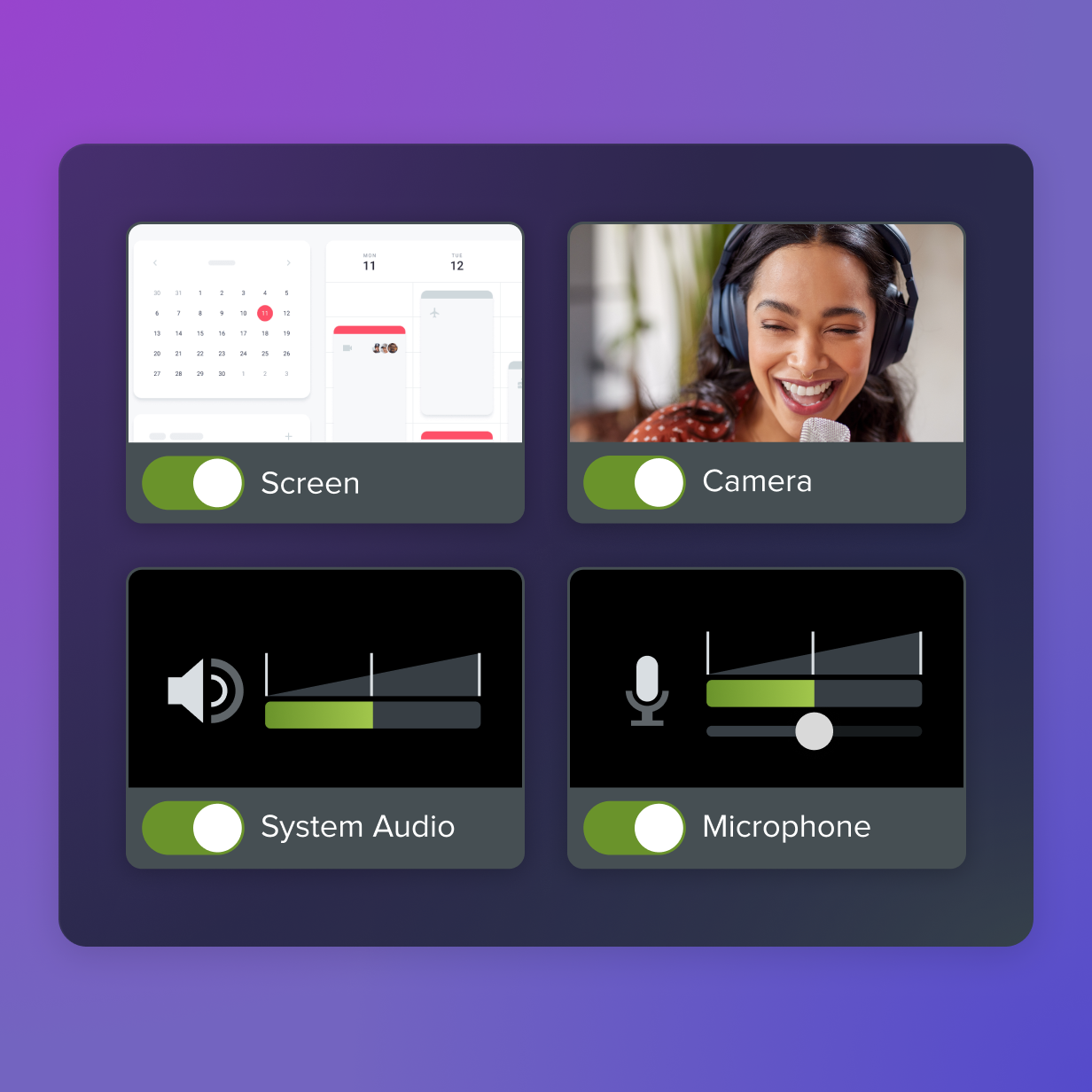
FAQs
How can small businesses improve customer retention without large budgets?
Small teams can make a big impact using screen recording tools like Camtasia. Start with walkthroughs and “first-win” videos. Even simple thank-you recordings post-purchase can create stronger customer connections.
How does video training specifically prevent customer churn?
Training addresses the main reasons people leave: confusion, lack of support, and overwhelm. Clear, visual demos reduce frustration and show immediate value.
What specific metrics show whether video training improves customer retention?
Track CRR, churn rate, revenue churn, CLV, NPS, and support ticket volume. Compare results between customers who receive training and those who don’t.
How can companies balance personalized video training with scalability?
Build a foundation of core training modules, then create targeted add-ons for roles and industries. Use tools like Screencast Pro to keep libraries searchable and up-to-date.
Share